
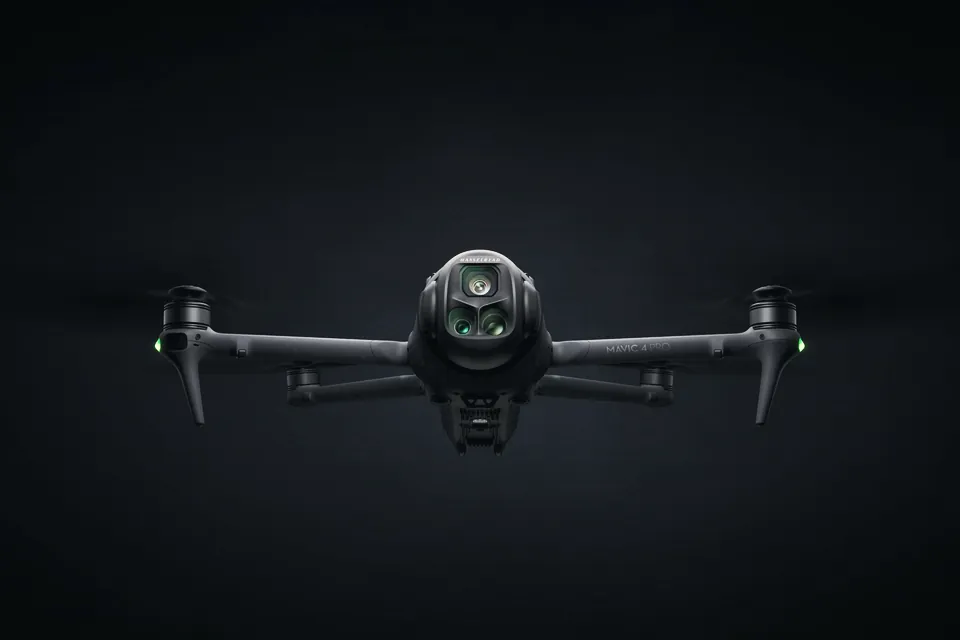
D-Log vs D-Log M vs D-Log 2 vs HLG: which DJI profile to use on each camera in 2026
Which DJI cameras shoot D-Log, D-Log M, D-Log 2 or HLG in 2026, what each costs you in ISO and grading time, and the ACES route DJI published for D-Log 2.
Sony's Monitor & Control 3.1 now runs on the A6700 and ZV-E10 II. What these two cameras get, what they miss, and which tools stay free without a paid plan.
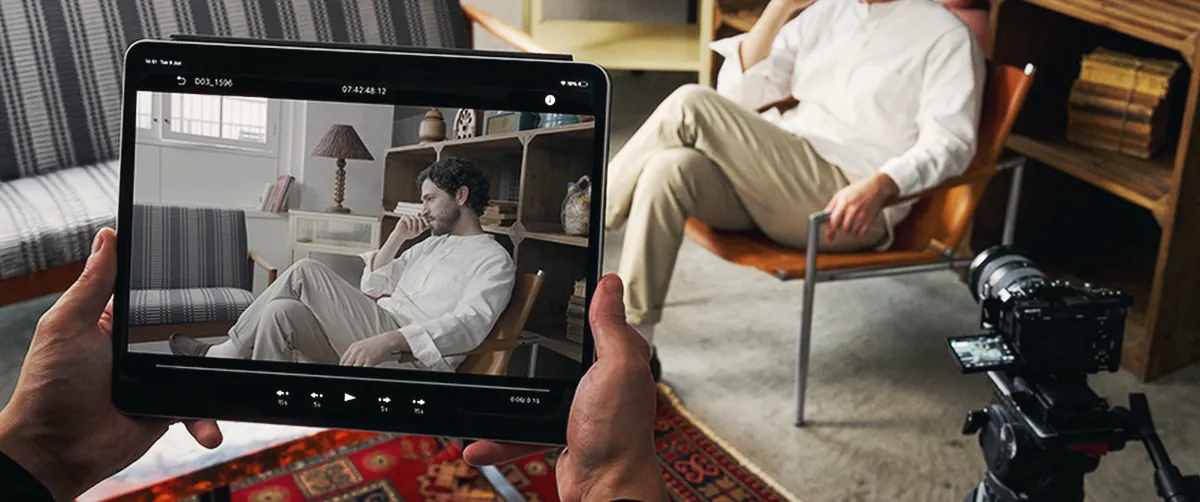
Sony's Monitor & Control app added the A6700 and ZV-E10 II in version 3.1, which reached the App Store on 28 October 2026. Both cameras get wireless or USB monitoring with waveform, false colour, zebras and LUT preview for free. They don't get Focus Map, the iris control bar, clip playback or proxy tools, and the A6700 also loses the focus control bar. Full HD monitoring over HDMI or USB needs the Basic plan, which Sony prices at $4.99 a month in the US.
Sony's announcement only lists the two new models. The details sit in Sony's help guide, in a function table that splits the supported bodies into groups, with footnotes that single out the A6700 and ZV-E10 II. We've pulled that table apart below and matched it against the plan comparison on Sony's Creators' Cloud page, so you can tell what an APS-C owner gets for free and what's worth paying for. We haven't tested the app on either camera yet; everything here comes from Sony's documentation and the app listings.
Sony's help guide puts the A6700, ZV-E10 II and ZV-E1 in one column of its function table. The footnotes then remove a few items from the A6700 and ZV-E10 II only. We've added the FX3 and FX30 as a reference, in case you run an A6700 as a B camera next to one of them.
| Function | A6700 | ZV-E10 II | FX3 / FX30 |
|---|---|---|---|
| Start/stop recording | Yes | Yes | Yes |
| Waveform, histogram, vectorscope | Yes | Yes | Yes |
| False colour, zebras | Yes | Yes | Yes |
| Markers and grid lines | Yes | Yes | Yes |
| Anamorphic de-squeeze, flip, rotate | Yes | Yes | Yes |
| Focus Map | No | No | Yes |
| Focus control bar | No | Yes | Yes |
| Iris control bar | No | No | Yes |
| Focus settings | Some can't be changed | Yes | Yes |
| Iris, ISO, shutter, EV, white balance | Yes | Yes | Yes |
| Picture profile, base look, LUT display | Yes | Yes | Yes |
| Import, edit and delete LUTs | Yes | Yes | Yes |
| Variable shutter, S&Q, frame rate | Yes | Yes | Yes |
| Clip flags (OK/NG/KEEP) | No | No | Yes |
| Play clips from the card | No | No | Yes |
| Framing presets (auto-framing crop) | No | No | Manual framing only |
For a solo shooter, the exposure tools carry most of the value. A waveform and false colour on a 6-inch phone beat squinting at the A6700's 3-inch screen in daylight, and you get them without paying. The ZV-E10 II has no viewfinder at all, so a bigger screen helps that body even more.
The gaps hurt more on a two-person crew. Without the iris bar or Focus Map, a focus puller on an iPad can tap to focus and change settings, but can't pull focus and aperture from sliders the way an FX3 or FX30 allows. And with no playback on either body, you'll review takes on the camera.
Sony moved part of the app behind a subscription with version 2.4.0 in August 2025. The table below shows how the three plans split. We've left out features that don't apply to the A6700 or ZV-E10 II.
| Feature | Free | Basic | Premium |
|---|---|---|---|
| Cameras on an iPhone | 1 | 2 | 2 |
| Cameras on an iPad | 4 | 4 | 20 |
| Cameras on a Mac | 1 | 1 | 20 |
| Cameras on Android | 1 | 1 | 1 |
| Waveform, false colour, zebras, vectorscope | Yes | Yes | Yes |
| LUT import | Yes | Yes | Yes |
| Full HD monitoring (HDMI or USB/UVC) | No | Yes | Yes |
| Record the feed to your phone, tablet or Mac | No | Yes, over HDMI/UVC | Yes, over HDMI/UVC |
| Snapshots with shooting data | No | Yes | Yes |
| Change settings on all cameras at once | No | Yes | Yes |
| EL Zone exposure display | No | No | Yes |
| Image overlay, vertical multi-camera view | No | No | Yes |
| Plan | US (Sony page) | Germany (heise, Aug 2025) | UK |
|---|---|---|---|
| Basic, monthly | $4.99 | €4.99 | Not listed publicly |
| Basic, yearly | $49.99 | €59.38 | Not listed publicly |
| Premium, monthly | $22.99 | €21.99 | Not listed publicly |
| Premium, yearly | $229.90 | €261.68 | Not listed publicly |
Sony's US page says the reseller, Cleverbridge, sets the price, and the European pages only show it once you sign in to buy. The euro figures come from heise's report at the 2.4.0 launch, so check the checkout page before you subscribe. The heise yearly Basic price is barely below twelve monthly payments, which makes the monthly plan the better deal for a one-off job. Sony ties a plan to your Sony account, so one subscription covers your phone, iPad and Mac.
The A6700 and ZV-E10 II share the connection list of the A7 IV and A7S III. None of them has a wired LAN option.
| Connection | Sony recommends it for | Plan |
|---|---|---|
| Bluetooth pairing, then Wi-Fi | Everyday single-camera use | Free |
| Wi-Fi Direct (camera as hotspot) | Backup if Bluetooth pairing fails | Free |
| Wi-Fi through a router, or your phone's hotspot | Multi-camera monitoring | Free up to the camera limits above |
| USB cable | A stable link, and multi-camera | Free |
| HDMI or USB video (UVC) | Full HD monitoring and recording to the device | Basic or Premium |
Sony names iPad, Mac and Xperia phones for Full HD monitoring. For HDMI you need an HDMI-to-UVC adapter that suits your device, which Sony doesn't sell. With USB-C on both cameras, the UVC route is one cable, and Sony's footnote that blocks UVC applies to the FX3 and A7S III, not to these two.
On a gimbal or a busy street, use USB if you can. A cable doesn't drop, and Wi-Fi monitoring adds lag. Version 3.1 reconnects on its own after a Wi-Fi drop, which should help, but we haven't seen anyone test it yet.
| Item | Requirement |
|---|---|
| iPhone / iPad | iOS or iPadOS 18.0 or later (Sony's operating range: 18.2 to 27.0) |
| Mac | macOS 15.3 or later, Apple M1 chip or newer |
| Camera | Latest system software, according to Sony |
| Paid plans | Not offered in every country or region |
Sony doesn't name a minimum firmware for either camera in 3.1. The newest A6700 system software we could find on Sony's support pages is version 2.00, from June 2025. Update both the camera and the app before your first shoot.
Monitor+ is a third-party app for iPhone and iPad with no link to Sony, and App Store reviews show some A6700 owners already use it. It's free to download, with a one-off Pro upgrade at €19.99 on the German App Store.
| Monitor & Control | Monitor+ | |
|---|---|---|
| Maker | Sony | Independent developer (HON IN UN) |
| A6700 support | Official since 3.1 | Not in the App Store's Wi-Fi list; users report it working over USB-C |
| ZV-E10 II support | Official since 3.1 | Not confirmed |
| Cost of extras | Subscription ($4.99/€4.99 a month and up) | €19.99 once |
| Platforms | iPhone, iPad, Mac, Android | iPhone and iPad (App Store) |
| Multi-camera | Up to 4 cameras on iPad for free | Not listed |
If you already own Monitor+ Pro and it works over USB-C on your A6700, keep it. If you shoot with two Sony bodies or edit on a Mac, Sony's app is the one to learn now that both cameras are on its list.
| You shoot | Plan | Reason |
|---|---|---|
| Solo vlogs and B-roll on a ZV-E10 II | Free | A phone screen with false colour and zebras, over Bluetooth or USB |
| Interviews with the A6700 on a tripod and a client watching | Basic | Full HD on an iPad over USB, and you can record the feed for the client |
| Two-camera podcasts or talks from an iPhone | Basic | The free plan allows one camera on an iPhone |
| A6700 plus FX3 or FX30, monitored from an iPad | Free | Up to 4 cameras on iPad without paying |
| Multi-camera events from a MacBook | Premium | Mac multi-camera is Premium only |
| Pros | Cons |
|---|---|
| Waveform, false colour and LUT preview for free | No Focus Map, iris bar or clip playback |
| Up to 4 cameras on an iPad without a plan | Full HD monitoring costs a subscription |
| USB link is free and doesn't need a router | A6700 loses the focus bar and some focus settings |
| One plan works on all your devices | No UK or euro prices on Sony's public page |
If you shoot S-Log3 outdoors on these bodies, our variable ND guide covers which filters avoid the X pattern at strong settings. And if you'd rather use your phone as the camera, the Blackmagic Camera on Android article lists which phones record Log. The Sony FX5 is on the same support list, and since version 3.0.1 it can feed several phones and tablets at once.
Yes, from version 3.1, released on 28 October 2026. You can connect over Bluetooth and Wi-Fi, USB, or HDMI/UVC. Focus Map, the focus and iris control bars and clip playback aren't available on the A6700.
The app is free, and the free plan includes wireless and USB monitoring, waveform, false colour, zebras and LUTs. Full HD monitoring, recording to your device and snapshots need the Basic plan ($4.99 a month in the US). EL Zone, image overlay and Mac multi-camera need Premium.
Yes. The free plan connects one camera to an iPhone over Bluetooth and Wi-Fi or a USB cable. Sony lists iPad, Mac and Xperia phones for the Full HD monitoring mode.
No. Sony's help guide lists Focus Map for the FX3, FX30, FX6, FX5 and most full-frame Alpha bodies, but not for the A6700, ZV-E10 II or ZV-E1.
Which DJI cameras shoot D-Log, D-Log M, D-Log 2 or HLG in 2026, what each costs you in ISO and grading time, and the ACES route DJI published for D-Log 2.
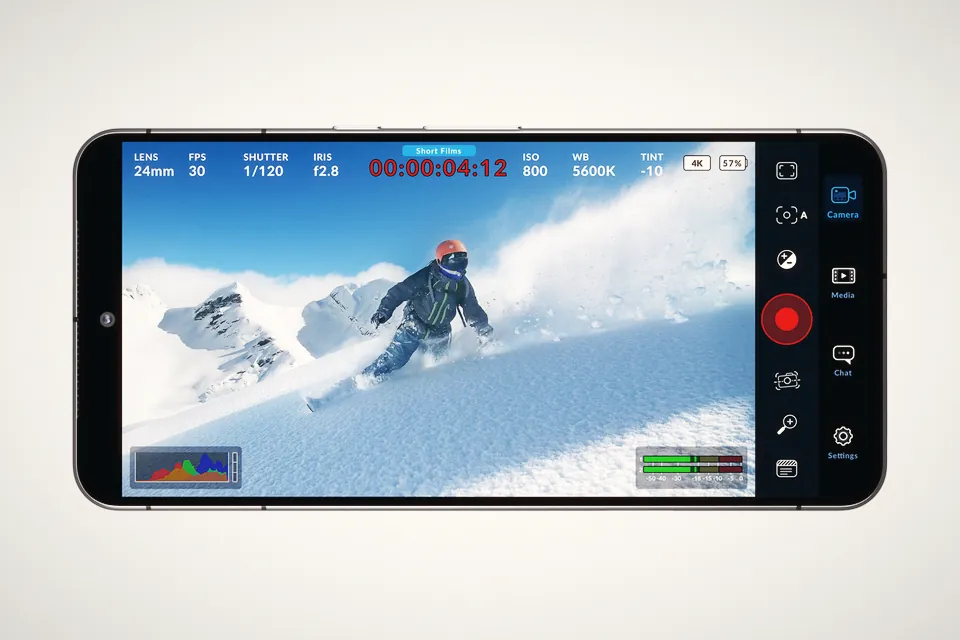
Blackmagic's spec sheet still stops at the Pixel 9 and Galaxy S25. The release notes tell another story: Samsung Log, O-Log2 and APV on a short list of phones.
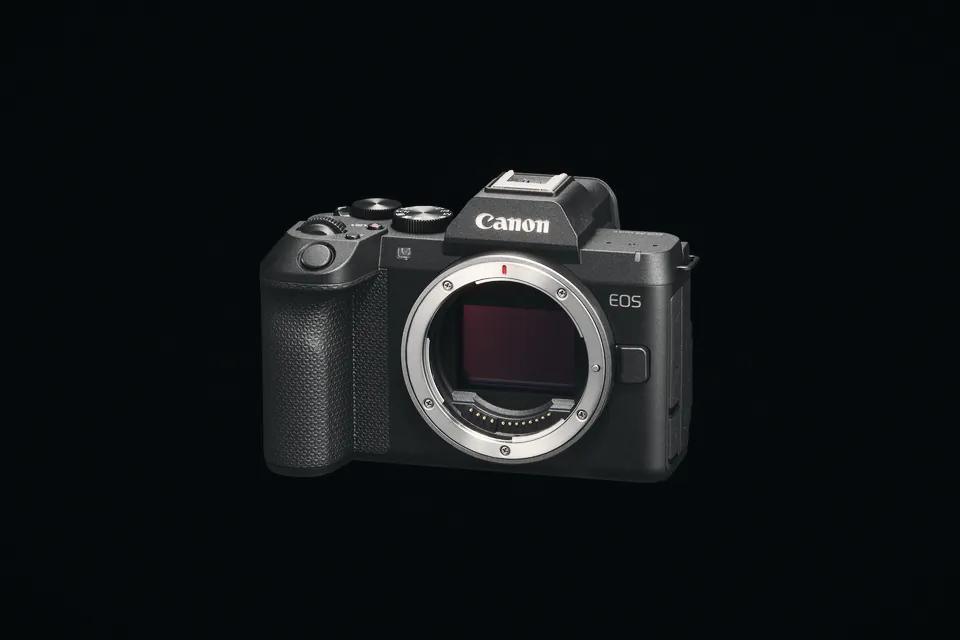
Canon says the R8 Mark II shoots 4K 60p for about 30 minutes before it shuts down, and 4K 30p without a heat limit. C-Log 3 settings and the limits to know.
 Cameras & dronesNew bodies, drones, firmware updates and what they change on set.
 AccessoriesLenses, gimbals, monitors, audio, lights and the gear around the camera.
 LeaksRumours and leaked specs before launch, with what is confirmed and what is not.
 SoftwareEditing, grading and VFX tools, and the updates worth installing.
 OtherIndustry news, techniques and everything that does not fit a box.