
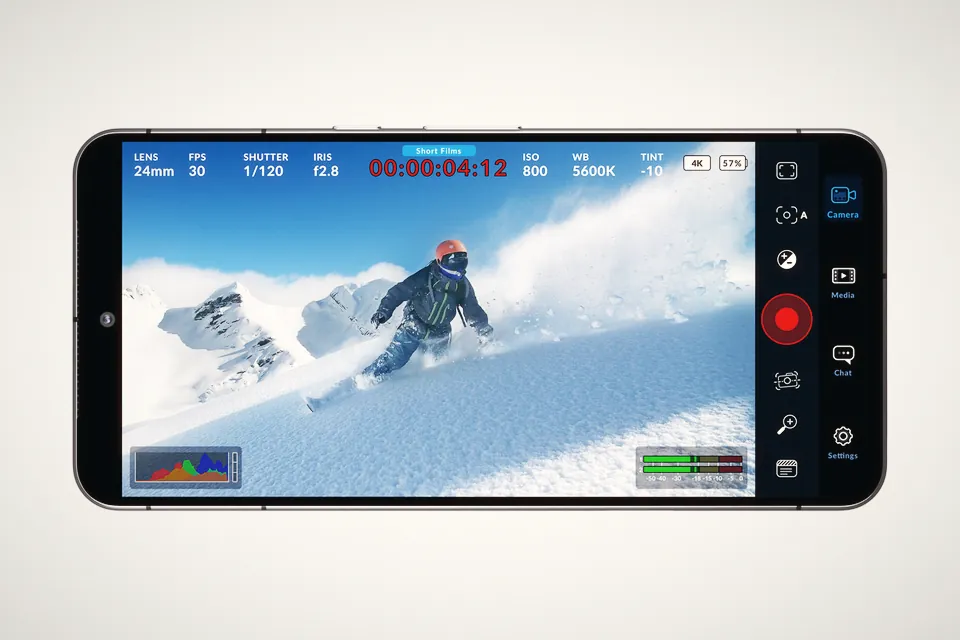
Blackmagic Camera on Android in 2026: which phones get Log, and which are stuck with HLG
Blackmagic's spec sheet still stops at the Pixel 9 and Galaxy S25. The release notes tell another story: Samsung Log, O-Log2 and APV on a short list of phones.
Which DJI cameras shoot D-Log, D-Log M, D-Log 2 or HLG in 2026, what each costs you in ISO and grading time, and the ACES route DJI published for D-Log 2.
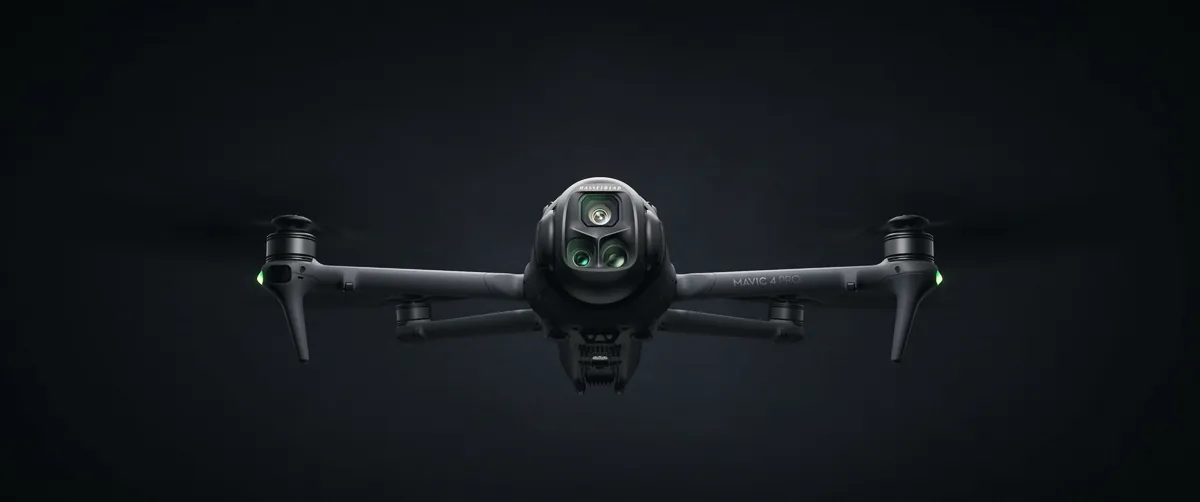
DJI makes four "flat" or HDR profiles in 2026, and no camera has all of them. The Mavic 4 Pro is the only current model with both D-Log and D-Log M. The Osmo Pocket 4P is the only one with D-Log 2, and only on its wide camera at 1x zoom. Most drones, action cams and 360 cameras use D-Log M. The Pocket 4 has plain 10-bit D-Log, and the Neo 2 has no log profile at all. The right pick comes down to how much grading you're willing to do, and how much ND you're willing to carry.
Search this question and you mostly land on drone forum threads from 2021 to 2024, written before D-Log 2 existed and before DJI split the Pocket line in two. We went through DJI's spec sheets, its LUT support page and the download section of each camera. On the Pocket 4P page we also found an ACES workflow for D-Log 2 in DaVinci Resolve, published by DJI in July, that we haven't seen covered anywhere else.
This is the table we wanted when we started. It comes from each camera's spec page and from DJI's support page on D-Log and LUTs. "Not listed" means DJI's spec sheet doesn't mention the profile, which in practice means you shouldn't count on it.
| Camera | D-Log | D-Log M | D-Log 2 | HLG | Recording |
|---|---|---|---|---|---|
| Mavic 4 Pro (all three cameras) | Yes | Yes | No | Yes | 10-bit 4:2:0 H.265, or 10-bit 4:2:2 H.264 ALL-I on the 512GB Creator Combo |
| Air 3S | No | Yes | No | Yes | 10-bit 4:2:0 H.265 in 4K |
| Mini 5 Pro | No | Yes | No | Yes | 10-bit 4:2:0 H.265 |
| Neo 2 | No | No | No | No | Normal colour only |
| Osmo Action 6 | No | Yes | No | Not listed | 10-bit, D-Log M in Rec.2020 per CineD |
| Osmo 360 and 360 II | No | Yes | No | Not listed | 10-bit; on the 360 II, D-Log M is off in photo, timelapse and endurance modes |
| Osmo Nano | No | Yes | No | Not listed | Official D-Log M LUT available |
| Osmo Pocket 4 | Yes, 10-bit | No | No | Not listed | H.265, up to 180 Mbps |
| Osmo Pocket 4P, 20mm wide | No | No | Yes, 1x zoom only | HDR video, see below | H.265, up to 180 Mbps |
| Osmo Pocket 4P, 60mm tele | Yes | No | No | HDR video, see below | H.265, up to 180 Mbps |
Two details in there trip people up. The Pocket 4 went back to full D-Log after the Pocket 3 used D-Log M, so old Pocket 3 LUTs and presets don't carry over. And the Pocket 4P's spec page talks about "HDR video" in camera without naming the curve. Retailer listings call it HLG; DJI's page doesn't, so check the menu on your firmware before you plan an HDR delivery around it.
| Profile | What it is | Grading work | Official tools from DJI |
|---|---|---|---|
| D-Log | DJI's full log curve, paired with the D-Gamut colour space | Most. Looks very flat and needs a conversion every time | Rec.709 LUTs per camera, the 2017 D-Log/D-Gamut white paper |
| D-Log M | A lighter log, flatter than Normal but less than D-Log | Medium. DJI's LUT gets you most of the way | Rec.709 LUT for every D-Log M camera; no white paper we could find |
| D-Log 2 | New curve launched with the Pocket 4P in May 2026, with D-Gamut2 | Most, and the tools are newest | Rec.709 LUTs (normal and vivid, 33 and 65 point), ACES guide with DCTL |
| HLG | Hybrid Log-Gamma, the broadcast HDR standard. Not a log for grading | Least, if you deliver HDR. Awkward if you grade for SDR | None needed for HDR playback |
HLG is the one that confuses people because of the name. It's built to look right on an HDR TV or phone straight out of the camera, and passable on an SDR screen. You can grade it, and some drone pilots do, but you're working against a curve that was designed to be watched rather than pushed around. If you edit for Instagram and YouTube in SDR, D-Log M with DJI's LUT is the easier route.
This matters more than the dynamic range numbers on the box, because it decides how much ND you carry and how clean your night shots look.
| Camera | Normal | D-Log M | D-Log | HLG |
|---|---|---|---|---|
| Mavic 4 Pro, Hasselblad camera | 100 to 12800 | 100 to 6400 | 400 to 6400 | 100 to 6400 |
| Mavic 4 Pro, both tele cameras | 100 to 12800 | 100 to 3200 | 400 to 3200 | 100 to 3200 |
| Air 3S and Mini 5 Pro | 100 to 12800 | 100 to 3200 | None | 100 to 3200 |
| Osmo Pocket 4P, wide, D-Log 2 | Range from ISO 100; CineD measured 16 stops at native ISO 1600 | |||
On the Mavic 4 Pro, D-Log starts two stops higher than D-Log M. On a bright day that's two more stops of ND to keep a 180° shutter, so plenty of pilots end up in D-Log M for daylight flights and keep D-Log for sunsets and harsh contrast. The Pocket 4P is the extreme case. Gamut, which profiles log curves for its LUTs, puts the D-Log 2 white clip at about 94 IRE at ISO 1600 and around 70 IRE at ISO 100, so the low ISOs cost you highlight room. We worked through the ND you need for that in our Pocket 4P ND filters and ISO 1600 guide.
| You're shooting | Use | Why |
|---|---|---|
| Social clips you edit on a phone the same day | Normal | No LUT step, smallest files, the Mimo app handles it |
| Travel and drone footage graded in Resolve or Premiere | D-Log M | ISO 100 base, DJI LUT as a starting point, enough room for a sky |
| Sunset, snow, backlit water from a Mavic 4 Pro | D-Log | The fullest curve DJI offers on a drone, if you can live with ISO 400 |
| Interviews or doc work on a Pocket 4P, wide camera | D-Log 2 at ISO 1600 | That's where the measured range is; needs strong ND outdoors |
| Pocket 4P cutting between wide and 60mm | D-Log 2 wide, D-Log tele | The tele doesn't have D-Log 2, so plan to match two curves in post |
| Delivery to HDR screens, minimal grading | HLG | Looks finished on HDR TVs and phones straight away |
| Mixed DJI kit on one timeline | The same family where you can | D-Log M on drone and Action 6 is easier to match than three different curves |
Our view: unless you deliver HDR, HLG is rarely the right pick on these cameras. D-Log M is the safe default for anyone who grades at all. Full D-Log and D-Log 2 are worth the extra effort when the scene has real contrast and you've got the ND to shoot them at their proper ISO. If you're flying a Mini 5 Pro in the EU, our piece on which accessories push it out of C0 is worth a look before you add a filter set.
Resolve doesn't list D-Log 2 or D-Gamut2 in its Color Space Transform, so for a while the only options were DJI's LUTs or paid ones. DJI's Pocket 4P download page now carries a short PDF, "Recommended ACES Workflow", dated 30 July 2026. The steps:
The PDF names the DCTL, but we couldn't find a download link for the file itself on the Pocket 4P page, only the LUTs and the PDF. If you can't find it either, ask DJI support before building a project around it. The "D-Log D-Gamut white paper" listed on the same page links to the 2017 Zenmuse X7 document, so DJI still hasn't published a D-Log 2 white paper.
| Route | Good | Watch out |
|---|---|---|
| DJI LUT, D-Log2 to Rec.709 (normal or vivid) | Free, one click, 65-point version available | Fixed look, clips highlights if you grade after it |
| DJI ACES workflow with DCTL | Proper colour-managed grade, DJI's own maths | DCTL hard to find, ACES needs some practice |
| Third-party LUTs (Gamut and others) | Measured profiles, matching packs | Paid, and not DJI's official transform |
Gamut's testing turned up another trap. Shoot the same scene in D-Log and D-Log 2 on a Pocket 4P, apply DJI's matching LUTs, and the two don't match. If you cut between the wide and the 60mm camera, grade by eye on a reference shot rather than trusting two LUTs. For the latest Resolve version and what changed, see our DaVinci Resolve 21.1.2 piece.
There's no D-Log M entry in Resolve's Color Space Transform, and DJI hasn't published its colour science. On the Blackmagic and MavicPilots forums some users set the input to DJI D-Gamut and DJI D-Log and say it's usable; others report results that are too contrasty and saturated, which makes sense if the curve isn't the same. LUT sellers have built their own transforms. We'd start with DJI's LUT at reduced strength, or on a node after your exposure and white balance fixes, and only move to a CST workaround if you need everything in DaVinci Wide Gamut.
For grading in SDR, usually yes. D-Log M is meant to be graded and DJI ships a Rec.709 LUT for it. HLG is an HDR delivery format that looks finished on HDR screens but is less comfortable to push around for SDR.
Only the Osmo Pocket 4P as of November 2026, on its 20mm wide camera at 1x zoom. The 60mm camera records D-Log, and DJI's LUT support page lists no other D-Log 2 camera.
No. The Pocket 4 records 10-bit D-Log, in normal video mode only, according to DJI. The Pocket 3 was the one with D-Log M.
DJI's spec sheet sets the D-Log range at ISO 400 to 6400 on the main camera, against 100 to 6400 for D-Log M and HLG. DJI doesn't say why. In practice it means two more stops of ND than D-Log M on a sunny day.
No. DJI lists Normal as the only colour mode on the Neo 2.
Blackmagic's spec sheet still stops at the Pixel 9 and Galaxy S25. The release notes tell another story: Samsung Log, O-Log2 and APV on a short list of phones.
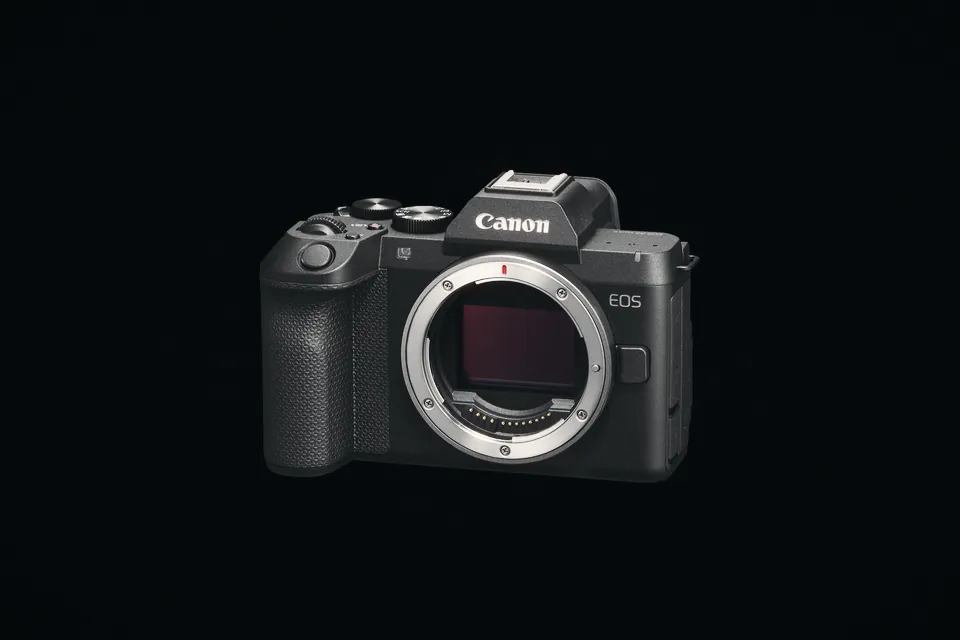
Canon says the R8 Mark II shoots 4K 60p for about 30 minutes before it shuts down, and 4K 30p without a heat limit. C-Log 3 settings and the limits to know.
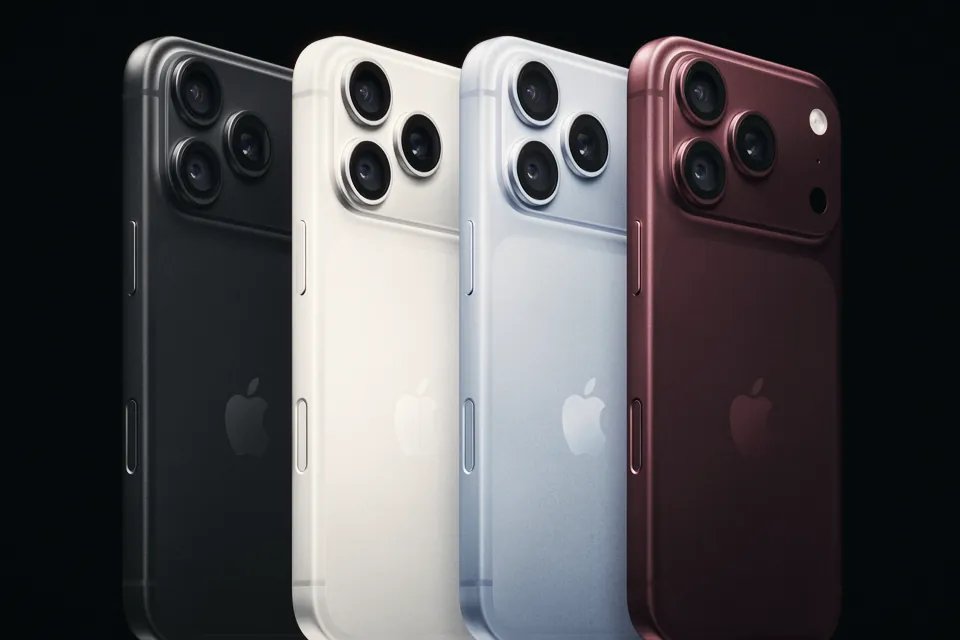
Resolve opens iPhone 18 Pro ProRes RAW, but the decode menu offers HLG, Apple Log and Apple Log 2. Which one to pick, and why your macOS version matters.
 Cameras & dronesNew bodies, drones, firmware updates and what they change on set.
 AccessoriesLenses, gimbals, monitors, audio, lights and the gear around the camera.
 LeaksRumours and leaked specs before launch, with what is confirmed and what is not.
 SoftwareEditing, grading and VFX tools, and the updates worth installing.
 OtherIndustry news, techniques and everything that does not fit a box.