
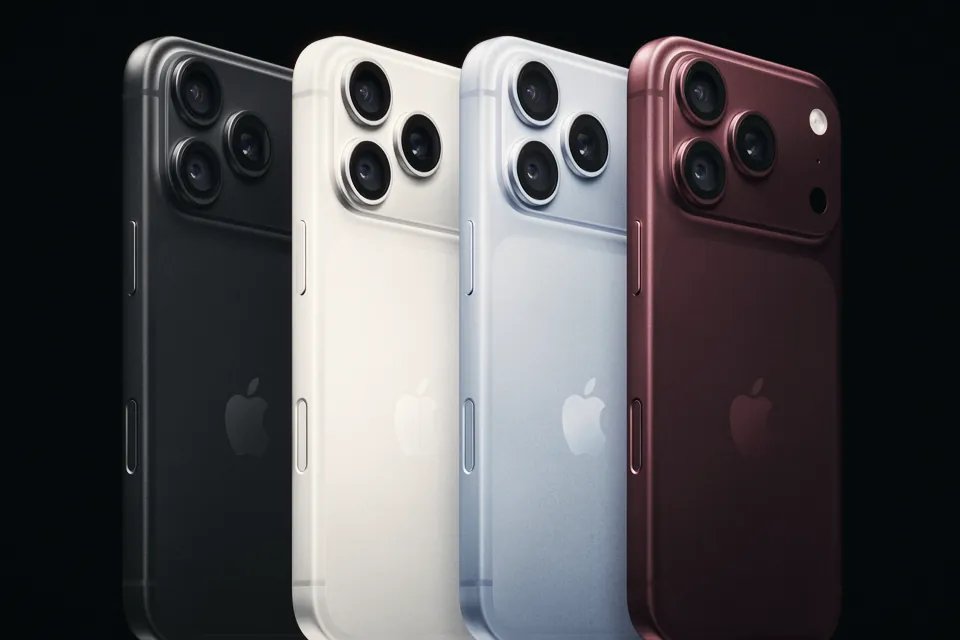
iPhone 18 Pro ProRes RAW in DaVinci Resolve: Apple Log or Apple Log 2?
Resolve opens iPhone 18 Pro ProRes RAW, but the decode menu offers HLG, Apple Log and Apple Log 2. Which one to pick, and why your macOS version matters.
Canon says the R8 Mark II shoots 4K 60p for about 30 minutes before it shuts down, and 4K 30p without a heat limit. C-Log 3 settings and the limits to know.
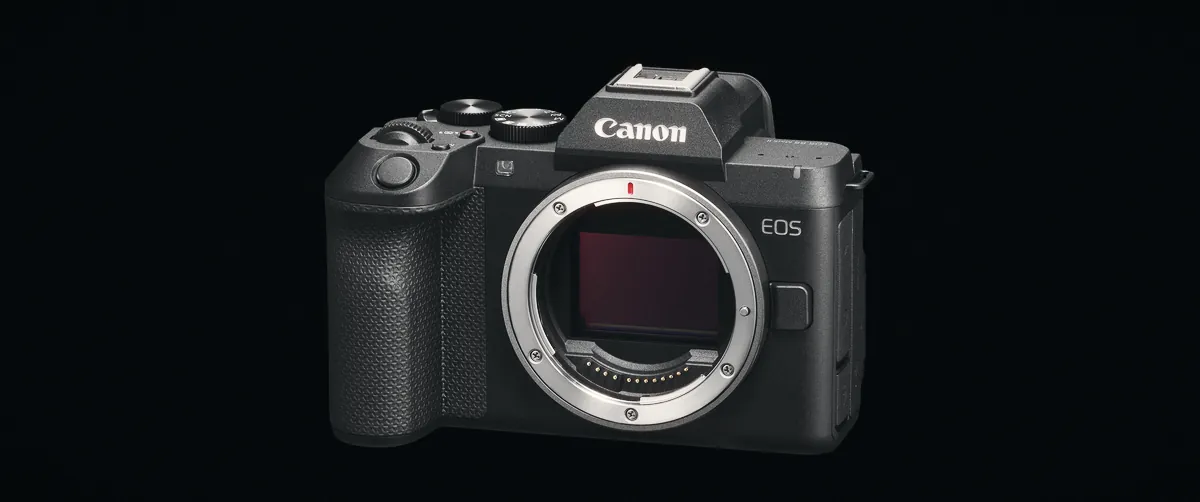
The Canon EOS R8 Mark II records 4K up to 60p in Canon Log 3, but Canon's own figures say the 4K 60p mode runs for about 30 minutes from a cold start at 23°C before the camera shuts down. 4K at 29.97p and Full HD have no heat limit in the same test. For C-Log 3, start at ISO 800, record 10-bit 4:2:2 and keep 4K 60p for short takes. The camera went on sale on 20 October 2026 at $1,899 body only, about €1,800 to €1,890 in Europe and £1,729 in the UK.
You won't find the heat table in Canon's English spec sheet. It sits on Canon Japan's movie features page, together with a list of functions that switch off when you pick Canon Log 3. We've put both into tables below, with the settings we'd start from and the limits worth knowing before you plan a long interview or an event on this body. We couldn't find a published timed heat test of the Mark II, and we haven't run one ourselves, so the numbers here come from Canon's documentation.
Canon publishes a cold-start table for the R8 Mark II: the time from switching on to automatic shutdown, recording continuously. Canon measured it at 23°C, on a UHS-II card, using the rear screen, with Wi-Fi off and the camera on the DR-E18 dummy battery and AC-E6 adapter, without USB power.
| Mode | EOS R8 Mark II | EOS R8 (2023) |
|---|---|---|
| 4K UHD 59.94p | About 30 min | About 30 min |
| 4K UHD 29.97p | No limit | No limit |
| Full HD 29.97p | No limit | No limit |
Your 30 minutes start shrinking the moment you power on: Canon warns that menu work and live view warm the camera before you press record. And 23°C in the shade is a mild day. Owners of the first R8 have been posting heat complaints on Canon's own community forum for years, including a May 2026 thread titled "EOS R8 overheats after 60-120 seconds". The Mark II carries the same rating and Canon lists no cooling fan, so plan as if it behaves like the R8 until someone tests it.
The menu has an "overheat control" setting that drops the standby frame rate and resolution while you're not recording, plus a temperature warning and an auto power-off threshold. Turn the first one on if you shoot long days.
These are the settings we'd start from for a graded job in Europe. Change the frame rate to 23.98 or 29.97 if you deliver for the US.
| Setting | Our pick | Why |
|---|---|---|
| Custom Picture | C2: Canon Log 3 | Canon's preset slot for Log; C1 is Canon 709, C3 PQ, C4 HLG |
| Colour space | Cinema Gamut | The widest of the three on offer (BT.709, BT.2020, Cinema Gamut), and Resolve's Color Space Transform handles Canon Log 3 with Cinema Gamut |
| Movie size | 4K UHD 25p, uncropped | Uncropped 4K is the only mode oversampled from 6K |
| Codec | XF-HEVC S YCC422 10-bit | 135 Mbps at 25p; XF-AVC S 4:2:2 at 150 Mbps if your editor struggles with H.265 |
| Shutter | 1/50 | Double the frame rate; under flickering LEDs, high-frequency anti-flicker lets you fine-tune between 1/50 and 1/8192 |
| ISO | 800 and up | Canon's 14-stop claim is at ISO 800; Auto ISO in Log won't go lower anyway |
| Exposure tools | False colour or zebras, plus View Assist | Both on custom buttons; View Assist shows a normal-contrast image while you record Log |
| IS | IBIS on, Movie Digital IS off | Digital IS narrows the frame; switch it on only for walking shots |
| Audio | Manual level, wind cut on outdoors | Built-in mics are 48 kHz 16-bit stereo; use the 3.5 mm input for anything that matters |
Low-light AF is the weak spot in Log. Canon itself warns that focus struggles more in Canon Log 3 in dark or low-contrast scenes, and sometimes at small apertures, and suggests opening up or using a brighter lens. If you shoot handheld in a dim room, a fast prime will help focus as much as exposure.
Starting at ISO 800 means outdoor Log needs a lot of ND. With the sunny 16 rule, a bright day at ISO 800 gives f/16 at roughly 1/800. Holding 1/50 costs 4 stops of shutter, and every stop you open the lens adds one more.
| Aperture | Stops to remove | Fixed ND |
|---|---|---|
| f/2.8 | 9 | ND512 |
| f/4 | 8 | ND256 |
| f/5.6 | 7 | ND128 |
| f/8 | 6 | ND64 |
A 2 to 5 stop variable ND won't be enough wide open in sun. A 1 to 5 stop variable with a fixed ND8 behind it, or a 6 to 9 stop variable, gets you there. Our variable ND guide covers which ones avoid the X pattern at the top of their range, and the Pocket 4P ND article runs the same maths for a camera with a native ISO of 1600.
Several of the R8 Mark II's easier video features can't run alongside Log. Canon lists them in the footnotes of the Japanese movie page:
| Feature | In Canon Log 3 |
|---|---|
| Cinema View (2.35:1 framing, fixed 23.98/25p) | Not available |
| Movie digital zoom (Full HD, up to 10x) | Not available |
| 4K frame grab (8.3 MP still) | Not available |
| Auto ISO below 800 | Not available |
| Pre-recording (3 or 5 s) | Works, except in slow and fast motion |
| HDMI out | 10-bit 4:2:2 over micro HDMI |
| Full HD 180p | Available, uncropped only, without sound |
| Item | What Canon lists | What it means on a shoot |
|---|---|---|
| Clip length | 6 h below 100 fps, 2 h at 100 fps and above | Heat or battery will stop you first |
| Battery | LP-E17, about 40 min of 4K 60p | Carry spares or power it over USB-C (PD-E1/PD-E2) |
| Aspect ratios | 16:9 UHD and Full HD only | No open gate for vertical crops; use aspect markers (9:16, 4:5 and more) |
| 4K crop mode | About 62% of the width, not oversampled | Canon says it reaches UHD "by image processing"; RF-S lenses force it |
| Movie Digital IS | Off / On / Enhanced / new Enhanced+ | Narrows the frame; can't run with subject tracking IS |
| Card | One SD slot, UHS-II | No backup recording; V60 for 4K 60p XF-AVC S 4:2:2 at 250 Mbps |
| 4K 60p ISO | Expanded ISO capped at 51200 | Minor, unless you shoot in the dark |
| Full HD 180p | Max shutter 1/200, exFAT cards only, no sound | Fine for slow motion, not for synced audio |
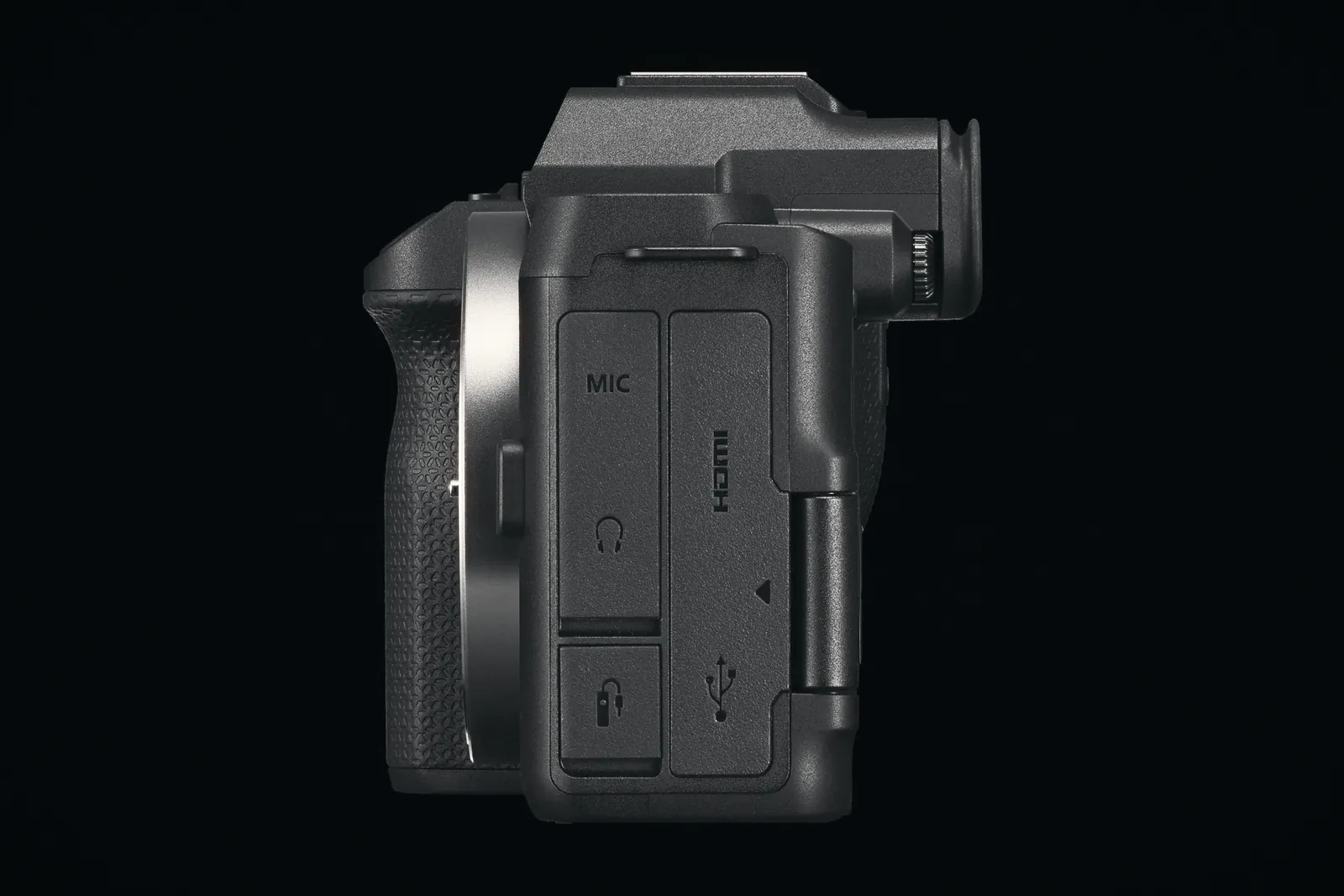
| HDMI | Micro (Type D) | Use a cable clamp if you run an external monitor |
At 4K 59.94p in 10-bit 4:2:2 HEVC, a 64 GB card holds 37 minutes. That lines up with the heat rating, so one 64 GB card and one battery last about as long as a single 4K 60p take.
The sensor stays at 24.2 MP, and you get the same 4K 60p from 6K, the same Full HD 180p and the same C-Log 3. For video, the Mark II's real change is stabilisation: the original R8 had digital IS only.
| R8 Mark II | R8 | |
|---|---|---|
| Stabilisation | 5-axis IBIS, up to 7.5 stops centre (CIPA) | Digital IS only |
| Movie Digital IS | Off, On, Enhanced, plus new Enhanced+ and subject tracking IS | Off, On, Enhanced |
| Heat rating, 4K 60p | About 30 min | About 30 min |
| Weight with battery and card | 546 g | 461 g |
| Multi-controller (joystick) | Yes | No |
| You shoot | Good fit? | Reason |
|---|---|---|
| Travel, vlogs, handheld B-roll | Yes | IBIS plus Enhanced+ digital IS in a 546 g full-frame body |
| Short graded pieces, music videos | Yes | 10-bit 4:2:2 C-Log 3, false colour and a waveform |
| Long interviews at 25p | Yes, with mains or USB-C power | No heat limit at 4K 30p in Canon's test; battery is the catch |
| Events in 4K 60p, summer outdoors | No | About 30 minutes at 23°C, less in sun |
| Weddings or paid jobs with no second camera | Think twice | Single SD slot, no backup recording |
| Vertical-first social work | Partly | No open gate; you crop 9:16 from 16:9 |
| Pros | Cons |
|---|---|
| 4K 60p oversampled from 6K, uncropped | 4K 60p limited to about 30 minutes by heat |
| IBIS, new on the R8 line | One SD slot, micro HDMI |
| False colour, zebras, waveform, LUT support | Cinema View, digital zoom and frame grab off in Log |
| Pre-recording and a front tally lamp | LP-E17 battery, about 40 min of 4K 60p |
| Market | Body only | Source |
|---|---|---|
| Italy | €1,889.99 | Canon Italy online store, at pre-order (TechPrincess) |
| Germany | €1,799 | Calumet Germany listing |
| UK | £1,729 | Park Cameras and other UK retailers |
| US | $1,899 | Canon USA launch price (kit with RF 24-50mm: $2,099) |
Retail prices in Europe already vary by about €90 between countries, and Black Friday is close, so check before you order.
About 30 minutes from a cold start at 23°C, according to Canon Japan, before the camera switches itself off. Warmer weather, direct sun or a long setup before recording will shorten that.
Canon lists a maximum of 6 hours per clip below 100 fps and 2 hours at 100 fps and above. In practice, heat at 4K 60p and the LP-E17 battery stop you long before that.
Start at ISO 800. Canon measures its 14-stop dynamic range claim there, and Auto ISO won't go below 800 in Canon Log 3. In daylight, use ND filters to keep the shutter at 1/50 instead of dropping the ISO.
Yes. It's the first R8 with in-body stabilisation, rated by Canon at up to 7.5 stops in the centre and 7.0 at the edges, with the RF 24-105mm F2.8 L IS USM Z at 105 mm.
No. Canon's spec sheet lists 16:9 UHD and Full HD only. For vertical video you crop from 16:9, with 9:16 and other aspect markers on screen to help framing.
Resolve opens iPhone 18 Pro ProRes RAW, but the decode menu offers HLG, Apple Log and Apple Log 2. Which one to pick, and why your macOS version matters.

Battery Plus, prop guards, ND filters: which Mini 5 Pro add-ons take it out of C0 in the EU, what the 3% tolerance covers, and what to buy instead.
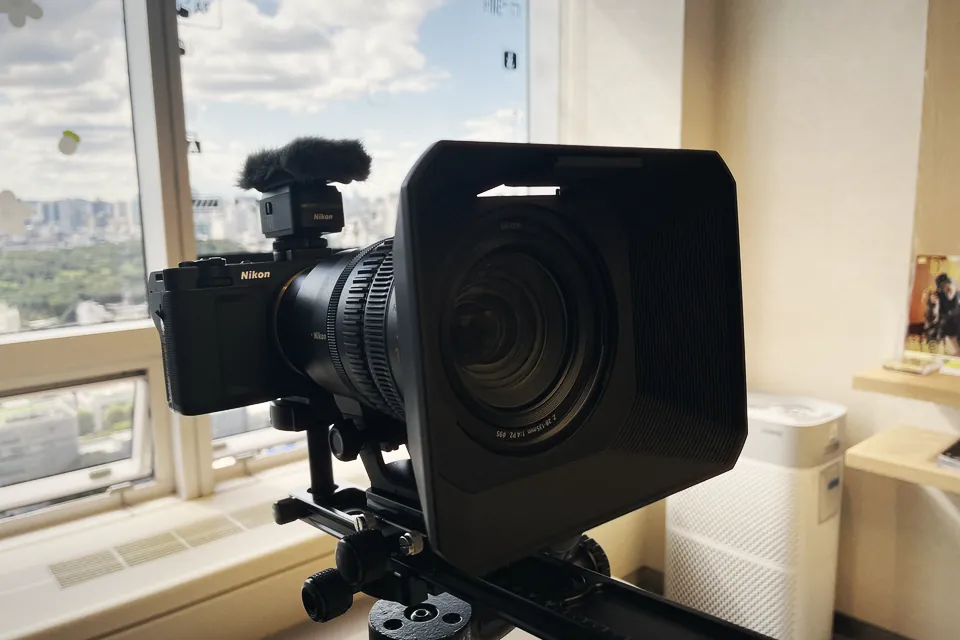
Nikon ZR R3D NE files open in Resolve, Premiere 26 and Final Cut, but each has a catch. What every editor needs, where it breaks, and which one we'd pick.
 Cameras & dronesNew bodies, drones, firmware updates and what they change on set.
 AccessoriesLenses, gimbals, monitors, audio, lights and the gear around the camera.
 LeaksRumours and leaked specs before launch, with what is confirmed and what is not.
 SoftwareEditing, grading and VFX tools, and the updates worth installing.
 OtherIndustry news, techniques and everything that does not fit a box.