
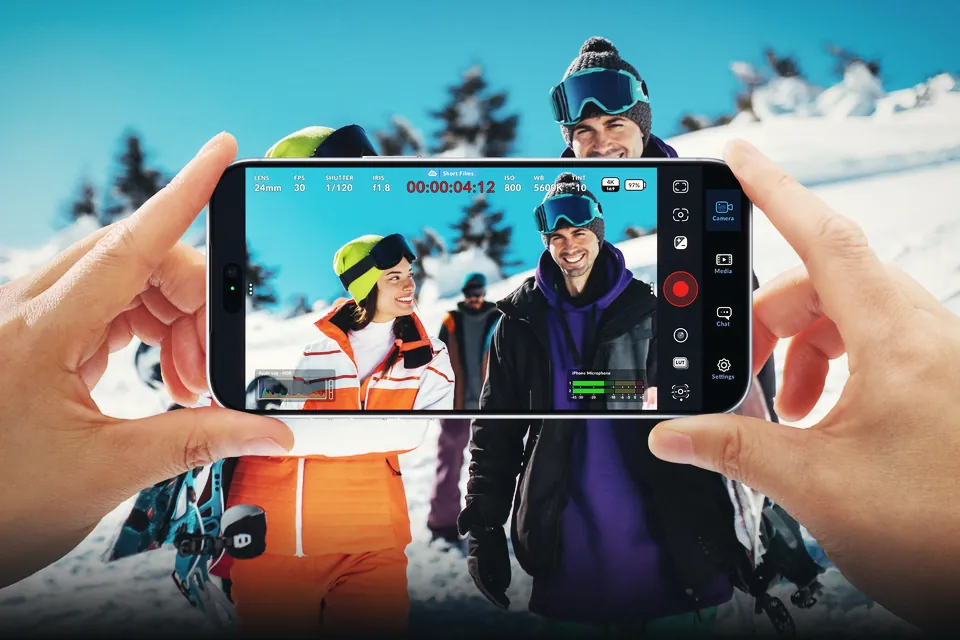
Blackmagic Camera on iPhone in 2026: which iPhones get Apple Log, Apple Log 2 and ProRes RAW
Blackmagic Camera is free on iPhone, but Apple Log, ProRes and ProRes RAW depend on the model. See which iPhones get what, from Apple's own spec pages.
Final Cut's DJI D-Log preset uses a Mavic 3 LUT and puts D-Log 2 grey at 24% instead of 42%. The LUT to load in Final Cut and Premiere, and where it sits.
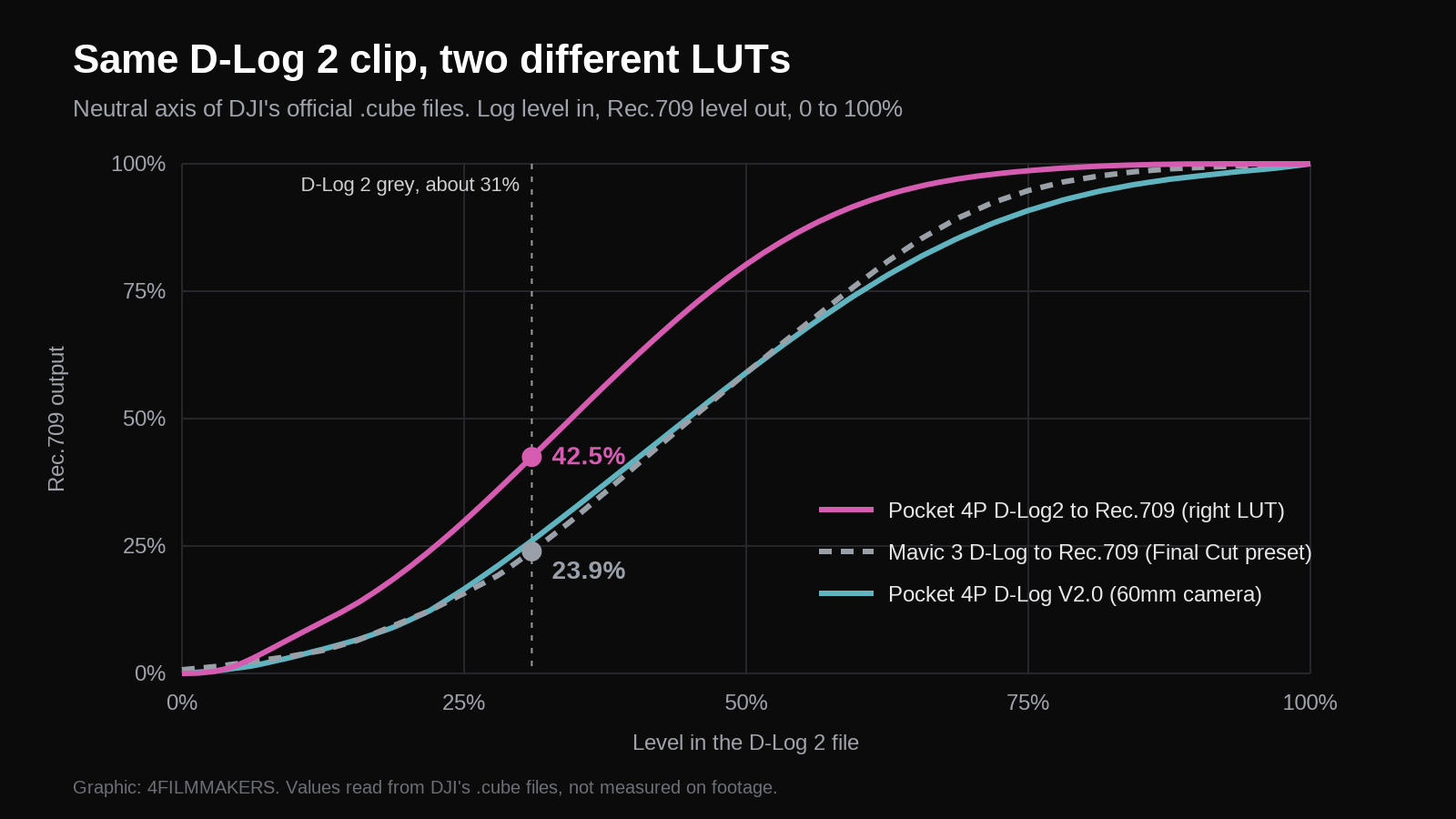
For Osmo Pocket 4P D-Log 2 in Final Cut Pro or Premiere Pro, load DJI's own D-Log2 to Rec.709 LUT and skip the built-in DJI options. Apple's "DJI D-Log" camera LUT is built on DJI's Mavic 3 LUT, and on a D-Log 2 clip it puts mid grey at about 24% instead of the 42.5% DJI designed for. Premiere's colour management lists DJI D-Log/D-Gamut, and we found no D-Log 2 entry.
We downloaded four official LUTs from DJI's servers on 25 November 2026 and read each file along the grey axis, the same way we did for our D-Log 2 in DaVinci Resolve guide. The gap between the right LUT and Apple's preset is wide enough to see on any waveform.
No. Apple's LUT guide for Final Cut Pro 13 lists one DJI entry in the Camera LUT menu: "DJI D-Log", which "uses DJI's Mavic 3 3D LUT to convert D-Log to Rec. 709". DJI still publishes that Mavic 3 file, so we put it next to the Pocket 4P files. We're assuming Apple's built-in copy matches DJI's download, since Apple names the source but doesn't ship the .cube.
| Level in the file | Pocket 4P D-Log2 LUT (right one) | Mavic 3 D-Log LUT (Final Cut preset) | Pocket 4P D-Log V2.0 (60mm) |
|---|---|---|---|
| 10% | 7.3% | 3.5% | 3.3% |
| 20% | 20.6% | 10.5% | 10.3% |
| 31% (D-Log 2 grey, per Gamut) | 42.5% | 23.9% | 26.0% |
| 50% | 80.2% | 59.0% | 59.0% |
| 62.5% | 93.9% | 80.8% | 78.1% |
| 75% | 98.6% | 94.7% | 90.8% |
Put a D-Log 2 face through the Mavic 3 curve and it lands around 24% instead of 42%, so the picture looks dark and muddy in the shadows. You can drag exposure back up, but then you're grading against a curve DJI designed for a different log, and the highlights won't roll off the way the D-Log 2 LUT does. The colour side doesn't match either: a warm skin-like log value of 45/35/30 comes out at 89/44/39 through the D-Log 2 LUT and 55/31/16 through the Mavic 3 one. That test point is ours, not a measurement on footage.
Final Cut gives you two places to load DJI's .cube file. Both accept .cube and .mga, according to Apple's guide. They don't do the same job.
| Custom camera LUT | Custom LUT effect | |
|---|---|---|
| Where | Info inspector, Settings view, Camera LUT menu, Add Custom Camera LUT | Effects browser, Color category, Custom LUT, then Choose Custom LUT in the Video inspector |
| Applies to | Every use of that clip in the library | Only the clip in the timeline you put it on |
| Your colour corrections | Sit after the LUT, because the camera LUT is a setting on the source clip | Can sit before it: order the effects in the Video inspector so the correction comes first |
| Best for | Fast edits where DJI's look is close to final | Shots with a bright sky or window you need to pull down before the LUT |
The order matters more on D-Log 2 than on most logs. DJI's D-Log 2 LUT pushes everything from 75% to 100% of the file into the top 1.4% of the output, which is why skies look stuck. A correction after the LUT can't bring that detail back. If you shoot at ISO 1600 for the full range, as in our Pocket 4P ND filter guide, use the Custom LUT effect and pull the highlights down on a Color Board or Color Wheels effect above it.
Two settings to check. Apple says Final Cut keeps the full range of log media only when the library's colour processing is Wide Gamut HDR; with Standard, it tone maps camera-LUT clips down to SDR. For a Rec.709 delivery that's what you want anyway, but set it before you start, not halfway through the edit. And if you make proxies, run 12.3 or later: Apple's 12.3 release notes fix a colour tint on proxies made from log formats.
DJI offers the D-Log 2 LUT as a 33-point and a 65-point file. Apple doesn't publish a size limit for custom LUTs. On the grey axis the two files are identical, and across the whole cube they differ by up to 4.1 points in a few saturated corners, so the 33-point file is a safe fallback if Final Cut refuses the bigger one. What one-time buyers get in Final Cut Pro 13 is in our Final Cut Pro 13 article.
Adobe's colour management page lists DJI D-Log/D-Gamut among the camera log spaces Premiere can read, marked as new, in the search extracts we could see. Adobe's help pages refuse requests from our server, so we couldn't read the full list ourselves, and we found no D-Log 2 entry in any source. Treat Premiere's DJI option as a D-Log/D-Gamut transform and keep it off your D-Log 2 clips.
| Step | Where | Why |
|---|---|---|
| 1. Check the clip's colour space | Right-click the clips in the bin, Modify, Color | If Premiere tagged the clip as log, the LUT on top converts it a second time. Leave it as Rec.709 when you use DJI's LUT |
| 2. Load DJI's LUT | Same Modify, Color dialog (Input LUT), or Lumetri, Basic Correction, Input LUT | The Modify route sets it on many clips at once |
| 3. Fix highlights before the LUT | A first Lumetri effect with exposure and highlights, DJI's LUT in a second Lumetri below it | Same reason as in Final Cut: the LUT flattens the top quarter of the file |
| 4. Sequence | Sequence settings, Direct Rec.709 (SDR) for normal web delivery | DJI's LUT outputs Rec.709, so a Rec.709 working space keeps it simple |
Oliver Peters' guide to Premiere's 2025 colour management describes the Modify, Color route for batches and the Override Media Color Space option for clips Premiere reads wrong. A 2023 thread on Adobe's forum reported that auto-detection missed D-Log on some DJI cameras. We found nobody testing Pocket 4P D-Log 2 files against Premiere 26.x auto-detection, so look at what Premiere assigns before you trust it.
DJI limits 10-bit D-Log 2 to the 1x zoom on the 1-inch wide camera. The 60mm tele records D-Log, and so does the 10-bit slow motion mode DJI added in September. One Pocket 4P card can hold both, and each needs its own LUT.
For D-Log clips, Final Cut's DJI D-Log preset comes closer than it does on D-Log 2: 23.9% against 26.0% on grey, 94.7% against 90.8% at the 75% level. It's fine for a rough cut. For the grade, load DJI's Pocket 4P D-Log to Rec.709 V2.0 file, which DJI released alongside the September firmware. Keep the V1.0 file for older projects, since the two curves differ in the highlights.
If you cut tele and wide shots together, shoot a grey card or a colour chart on both cameras when you arrive on location. Two LUTs built on different curves won't match on their own, as our D-Log vs D-Log M vs D-Log 2 guide explains.
Not for colour accuracy. Every editor below ends up on the same DJI LUT for D-Log 2. We checked DJI's download data again on 25 November: the D-Log 2 DCTL that DJI's ACES guide asks for still isn't there, so even Resolve Studio has no colour-managed D-Log 2 route.
| Editor | Built-in D-Log 2 option | Built-in DJI D-Log option | Correction before the LUT |
|---|---|---|---|
| Final Cut Pro 13 | No | Camera LUT "DJI D-Log" (Mavic 3 LUT) | Yes, with the Custom LUT effect |
| Premiere Pro 25/26 | None found | DJI D-Log/D-Gamut in colour management | Yes, with two Lumetri effects |
| DaVinci Resolve free | No | DJI D-Log and D-Gamut in Color Space Transform | Yes, nodes before the LUT |
| DaVinci Resolve Studio | No, D-Log 2 DCTL not published | Same CST, plus DJI's 2023 D-Log DCTL | Yes, plus Studio noise reduction |
| You are | Our pick |
|---|---|
| Already editing in Final Cut, short social pieces | Final Cut, with DJI's LUT as a custom camera LUT and corrections after it |
| Final Cut user with bright skies and ISO 1600 footage | Final Cut again, but the Custom LUT effect with the highlight fix above it |
| Premiere user | No reason to switch. Modify, Color with DJI's LUT, after checking the clip isn't tagged as log |
| Shooting noisy low-light D-Log 2 at high ISO | Resolve Studio is worth it for the noise reduction, not for the colour |
We haven't run Pocket 4P clips through Final Cut or Premiere ourselves. The numbers here come from DJI's files and the editors' own documentation, and the warning about double conversion in Premiere is a general rule for LUTs on tagged clips, not something we've reproduced on a Pocket file.
Not with a built-in option. Final Cut Pro 13's Camera LUT menu has one DJI entry, "DJI D-Log", based on the Mavic 3 LUT. Load DJI's Pocket 4P D-Log2 to Rec.709 file as a custom camera LUT or with the Custom LUT effect.
If you picked the DJI D-Log camera LUT on D-Log 2 clips, that's the likely cause. The Mavic 3 LUT puts D-Log 2 mid grey at about 24% instead of the 42.5% DJI's D-Log 2 LUT gives.
We found no source that lists D-Log 2 in Premiere's colour management. Adobe lists DJI D-Log/D-Gamut. Use DJI's LUT and check the clip's colour space in Modify, Color.
Use the 65-point file if your editor takes it. Neither Apple nor the Adobe pages we could read publish a limit. The two DJI files match on the grey axis and differ by at most about 4 points in saturated corners.
Blackmagic Camera is free on iPhone, but Apple Log, ProRes and ProRes RAW depend on the model. See which iPhones get what, from Apple's own spec pages.
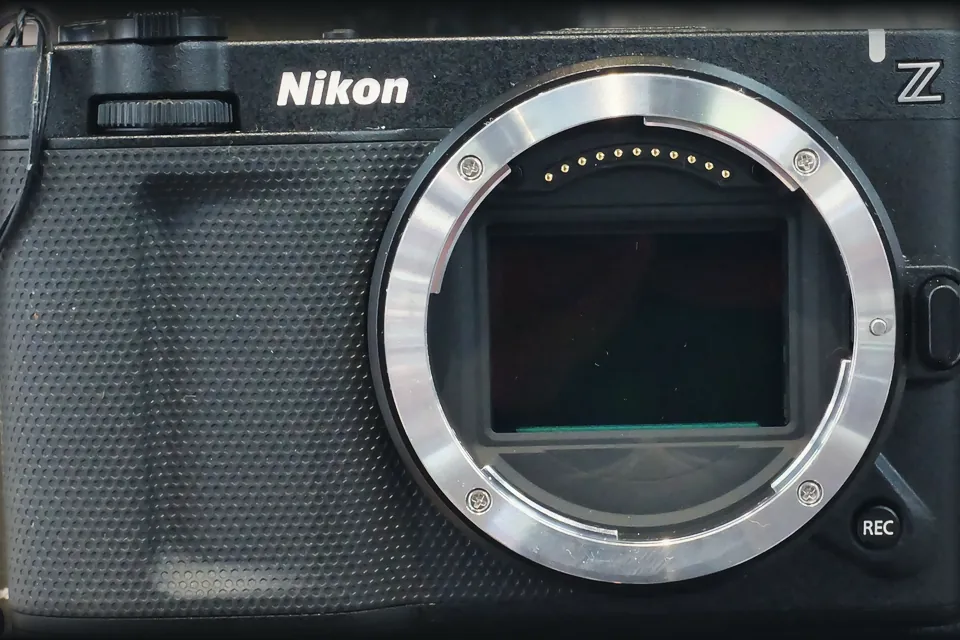
Nikon Z70 leaks promise 8K60 and ProRes RAW from a 41MP APS-C sensor, but Nikon has confirmed nothing. We graded each claim and say who should wait for it.
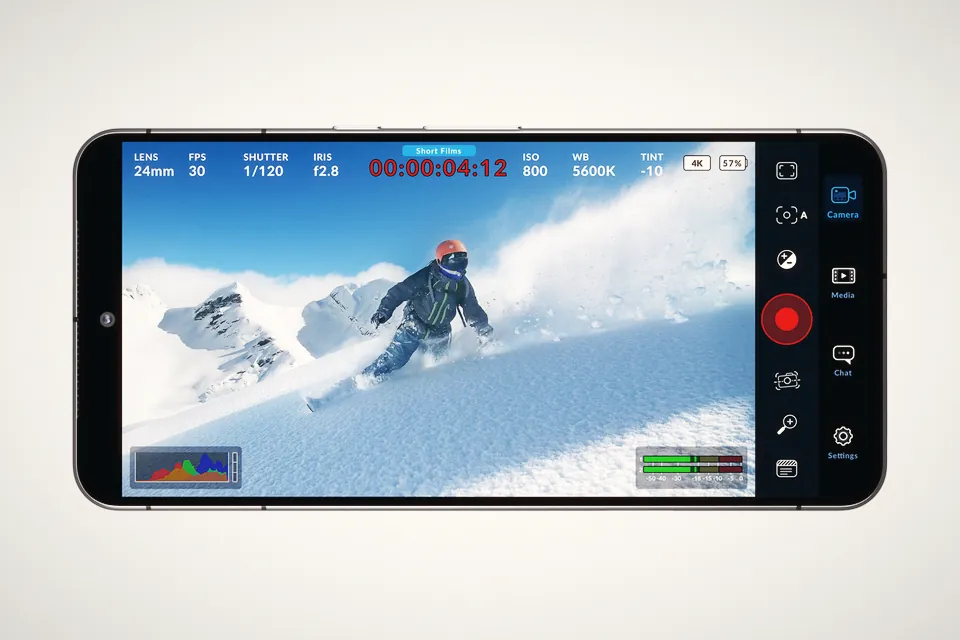
Blackmagic's spec sheet still stops at the Pixel 9 and Galaxy S25. The release notes tell another story: Samsung Log, O-Log2 and APV on a short list of phones.
 Cameras & dronesNew bodies, drones, firmware updates and what they change on set.
 AccessoriesLenses, gimbals, monitors, audio, lights and the gear around the camera.
 LeaksRumours and leaked specs before launch, with what is confirmed and what is not.
 SoftwareEditing, grading and VFX tools, and the updates worth installing.
 OtherIndustry news, techniques and everything that does not fit a box.