
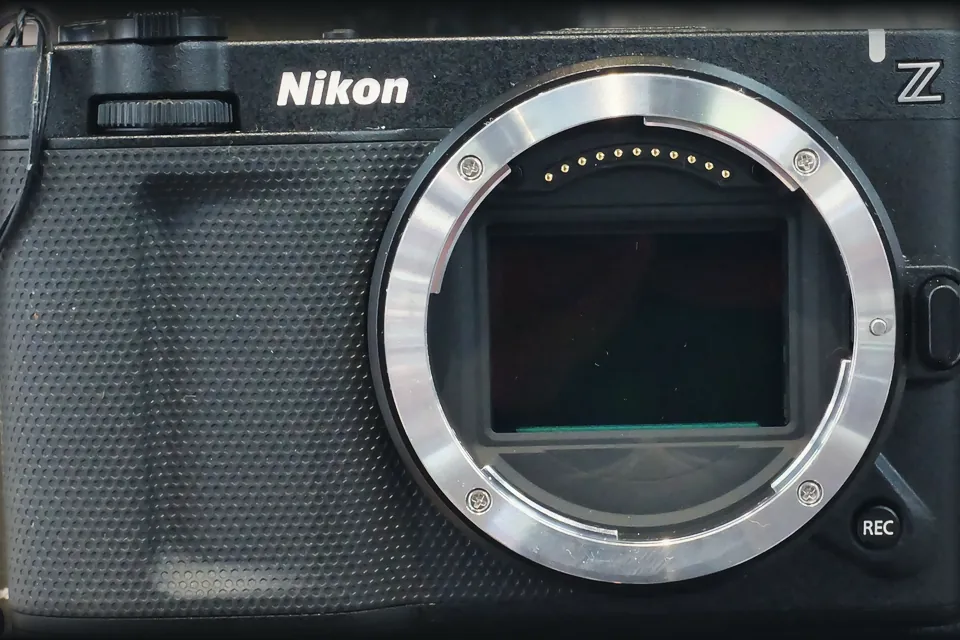
Nikon Z70 rumors for video: 8K60, ProRes RAW and that REC button, graded
Nikon Z70 leaks promise 8K60 and ProRes RAW from a 41MP APS-C sensor, but Nikon has confirmed nothing. We graded each claim and say who should wait for it.
Blackmagic's spec page never says which iPhone records what. Apple's pages do, so we put the two side by side.
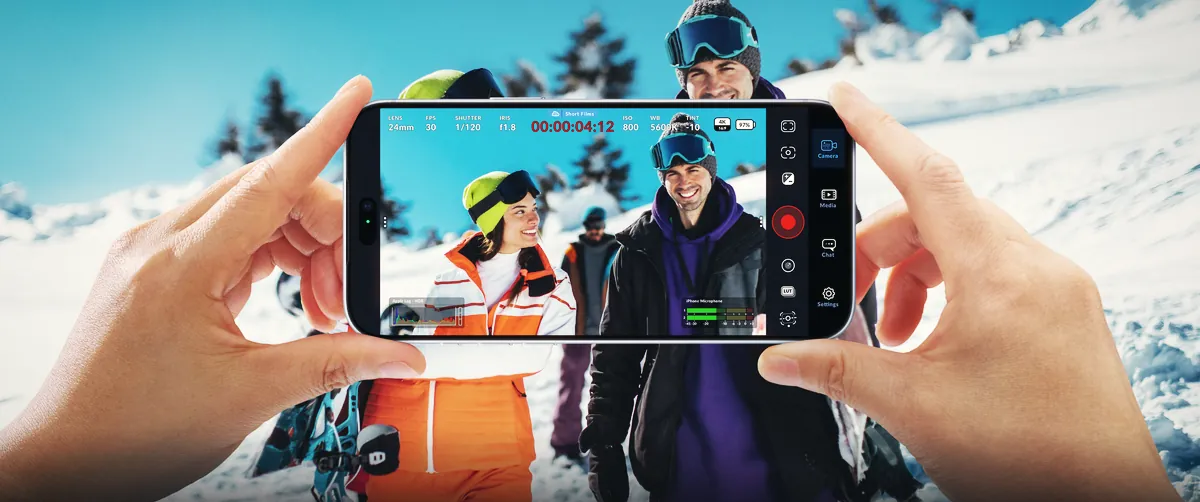
Blackmagic Camera is free on iPhone, but what you can record in it depends on the model. Apple's own spec pages put Log video on the iPhone 15 Pro and 16 Pro, Apple Log 2 and ProRes RAW on the iPhone 17 Pro, and nothing beyond HEVC and H.264 on the standard iPhone 17. The app adds the controls, not the codecs.
Blackmagic's tech specs page says "Based on model" next to Apple Log, Apple Log 2, resolution and frame rate, and never says which model. So we put Apple's spec pages next to Blackmagic's, and marked what neither side publishes. The Android side of this story is in our Blackmagic Camera on Android guide.
This table comes from Apple's own tech specs pages, not from Blackmagic. Apple calls the older feature "Log video recording" on the 15 Pro and 16 Pro pages. Blackmagic's app calls it Apple Log.
| iPhone | Log | ProRes | Highest 4K rate | ProRes RAW, genlock |
|---|---|---|---|---|
| iPhone 15 Pro | Log video recording | 4K at 60 fps, external recording | 60 fps | Not listed |
| iPhone 16 Pro | Log video recording | 4K at 120 fps, external recording | 120 fps (Fusion lens) | Not listed |
| iPhone 17 Pro | Apple Log 2 | 4K at 120 fps, external recording | 120 fps (Fusion Main lens) | ProRes RAW "enabled by compatible apps"; genlock with third-party hardware |
| iPhone 17 (standard) | Not listed | Not listed | 60 fps | Not listed |
Two things matter more than the log names. First, ProRes on all three Pro phones is an external recording feature in Apple's wording, so you plan for an SSD from the start. Second, the jump from the 15 Pro to the 16 Pro is frame rate, not colour: 4K at 120 fps arrived with the 16 Pro.
We didn't check Apple's pages for the iPhone Air, the standard iPhone 16 or the iPhone 17 Pro Max separately. Blackmagic's App Store notes also add support for the iPhone 18 Pro, and our iPhone 18 Pro ProRes RAW guide reports that its spec page carries over the 17 Pro list.
Apple supplies the encoders and the log curves. Blackmagic supplies the way you drive them. Here's what its spec sheet lists for iPhone.
| Item | What's listed |
|---|---|
| Codecs | ProRes 422 HQ, 422, 422 LT, Proxy; ProRes RAW and RAW HQ (external storage); HEVC; H.264 |
| Colour spaces | Rec.709, Rec.2020 HDR, P3 D65, Apple Log HDR, Apple Log 2 HDR, "based on model" |
| Resolution | 4K, HD, 720p and open gate, "based on model"; no 8K on iPhone |
| Frame rates | 23.98 up to 120 fps, "based on model and codec" |
| Proxies | Optional 1080p HEVC proxy next to each clip |
| Storage | In-app, photo library, or Files on internal or external storage |
| Cloud | Blackmagic Cloud, with Resolve 18.6 or later; Blackmagic Cloud files are 10-bit ProRes up to 4K |
| Price | Free; the ProDock accessory is $339 |
The App Store notes give the timeline. Apple Log 2 arrived with version 3.1.1 and the iPhone 17, on 24 September 2025. Open gate with Apple Log at 1920x1440 came in 3.2. ProRes RAW stabilization asks for iOS 26.1 or later, per the 3.4 notes. Version 3.5 added support for the iPhone 18 Pro and a line about recording ProRes "directly to Pro Video Storage", which the page doesn't explain.
One thing doesn't match. Blackmagic's tech specs say iOS 16.6 or later, while the App Store listing says iOS 18.0. The App Store figure is the one that decides whether the app installs, so trust that.
Blackmagic marks ProRes RAW and ProRes RAW HQ with an asterisk: external storage required. Apple's iPhone 17 Pro page words ProRes the same way, "with external recording". What neither company spells out is the hardware. The ProDock has two USB 3.2 ports for recording to external media, and Blackmagic's page talks about SSDs. Nobody says that a bare USB-C SSD on a cable works for ProRes RAW without it, and we haven't tried it.
That matters on a shoot day. If you plan to roll ProRes RAW on an iPhone 17 Pro, check your exact SSD and cable setup at home before you rely on it. Do that in the app, with the clip length you need.
ProRes RAW also isn't exclusive to Blackmagic. Apple's Final Cut Camera 2.0 is free and was announced on 9 September 2025 with ProRes RAW, open gate and genlock for the iPhone 17 Pro, according to CineD. If you only want ProRes RAW and no cloud or multi-phone tools, that's the other option to test.
Mostly multicam. Genlock and timecode sync are the reason the ProDock exists, and Apple lists genlock as enabled by compatible third-party hardware. For a single phone shooting a travel piece, you don't need it. For four iPhones on a live event you do.
The ProDock is $339 on Blackmagic's page and needs iOS 26 or later. We found no euro price in what we read, so check your local Blackmagic reseller before budgeting.
Blackmagic's product page mentions a built-in Apple Log to Rec.709 LUT in the app for monitoring on the latest iPhones. That's a preview, not a grade. For the edit, Resolve has to be told the clip is Apple Log, so shoot one test clip on your own phone and run it through your grade before a job.
| Situation | Setting | Why |
|---|---|---|
| Quick delivery, social clips | Rec.709, HEVC | Small files, no grading step |
| Mixing with a mirrorless camera | Apple Log, ProRes 422 or HEVC | More room in highlights, closer to the log workflow of your other cameras |
| Hard lighting, backlit subjects | Apple Log 2 on an iPhone 17 Pro | The newer log, if your edit software handles it |
| Maximum grading latitude | ProRes RAW, external SSD | Raw data, large files, plan storage first |
| Several phones, one timeline | ProDock with genlock | Frame-locked sync, which is what the dock is for |
For the Resolve side of ProRes RAW, our Resolve guide compares the decode options. If you edit in Final Cut instead, see what Final Cut Pro 13 includes for one-time buyers.
| If you have | You can record | Worth knowing |
|---|---|---|
| iPhone 17 Pro | Apple Log 2, ProRes up to 4K120 externally, ProRes RAW | The only one with ProRes RAW on Apple's pages; plan SSD storage |
| iPhone 16 Pro | Log, ProRes up to 4K120 externally | Apple Log 2 isn't on its spec page |
| iPhone 15 Pro | Log, ProRes up to 4K60 externally | No 4K at 100 or 120 fps |
| Standard iPhone 17 | HEVC and H.264 up to 4K60 | The app still gives manual control, but no log or ProRes on Apple's page |
| Pros | Cons |
|---|---|
| Free, with manual shutter, ISO, white balance and 24, 25 or 50 fps | Log, ProRes and frame rates depend on the model |
| Proxies and Blackmagic Cloud sync with DaVinci Resolve | No per-model table from Blackmagic |
| ProRes RAW and external recording on supported phones | External storage needed for ProRes RAW; no Blackmagic RAW on iPhone |
| ProDock for genlock and multicam | $339 and iOS 26 or later |
Apple lists Log video recording on the iPhone 15 Pro and 16 Pro and Apple Log 2 on the iPhone 17 Pro. Blackmagic's spec page offers Apple Log and Apple Log 2 "based on model" without naming phones, so the models above come from Apple's pages.
Yes. Blackmagic lists ProRes RAW and ProRes RAW HQ and marks both as needing external storage. Apple's page lists ProRes RAW on the iPhone 17 Pro, "enabled by compatible apps".
Yes. Blackmagic's spec page and the App Store both list it as free. You'll pay only if you add hardware such as the $339 ProDock.
Not according to the Apple page we read. It lists HEVC and H.264, 4K at up to 60 fps, and no Log or ProRes.
We found no mention of it on Blackmagic's tech specs, product page or App Store listing. The raw option is ProRes RAW.
Nikon Z70 leaks promise 8K60 and ProRes RAW from a 41MP APS-C sensor, but Nikon has confirmed nothing. We graded each claim and say who should wait for it.
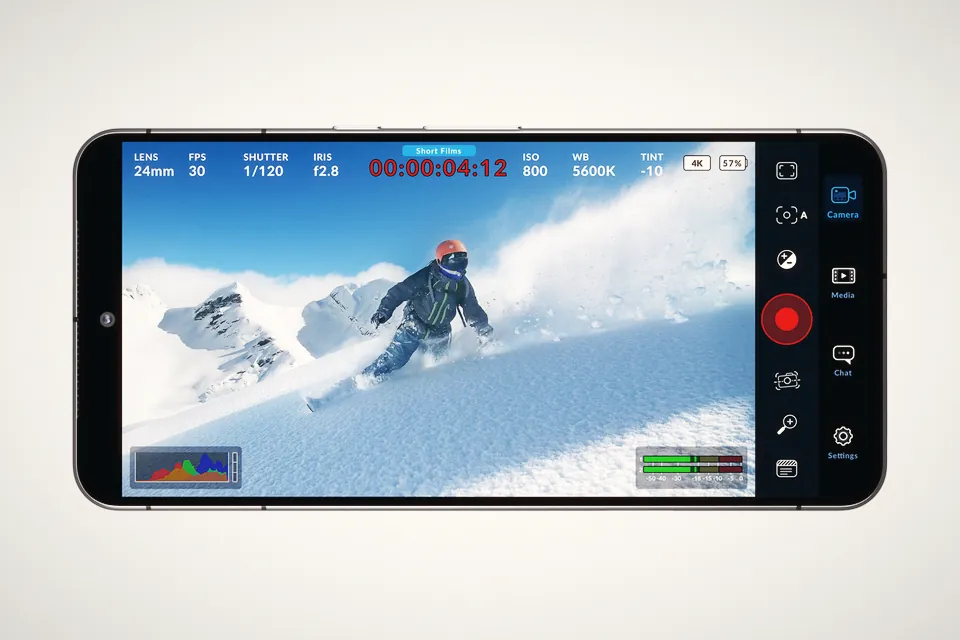
Blackmagic's spec sheet still stops at the Pixel 9 and Galaxy S25. The release notes tell another story: Samsung Log, O-Log2 and APV on a short list of phones.
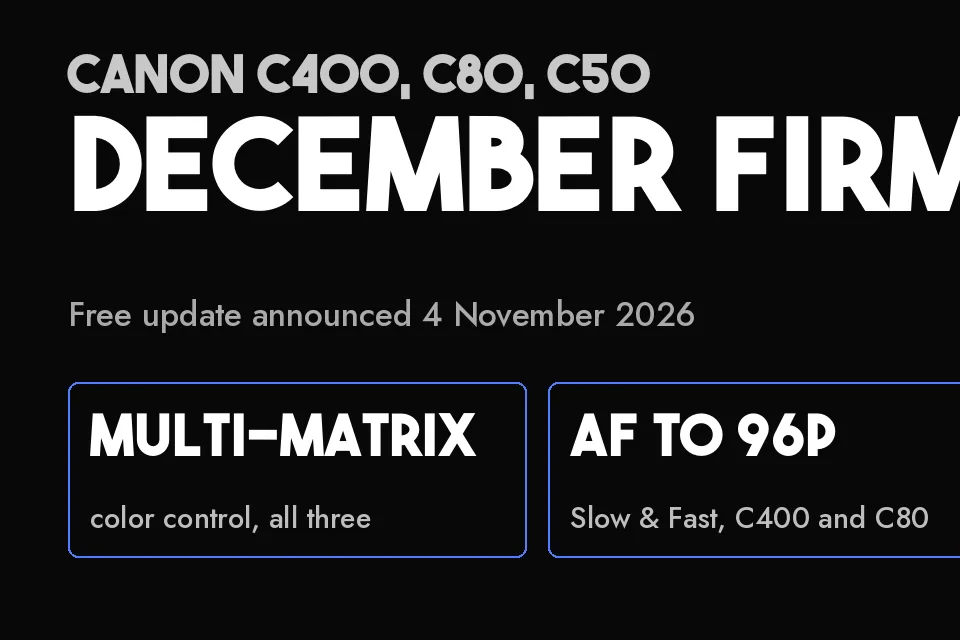
Canon's free December firmware gives the C400, C80 and C50 Multi-Matrix color, more slow-motion autofocus and sensor-mode buttons. What each camera gets and who benefits.
 Cameras & dronesNew bodies, drones, firmware updates and what they change on set.
 AccessoriesLenses, gimbals, monitors, audio, lights and the gear around the camera.
 LeaksRumours and leaked specs before launch, with what is confirmed and what is not.
 SoftwareEditing, grading and VFX tools, and the updates worth installing.
 OtherIndustry news, techniques and everything that does not fit a box.