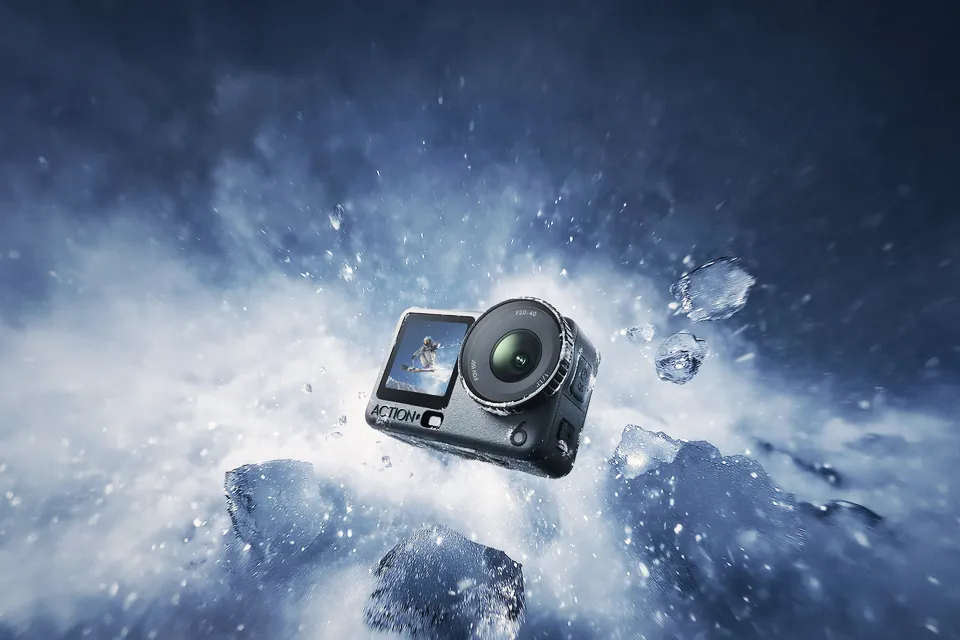
Osmo Action 7 rumors: every claim graded, and should you buy the Action 6 now?
Osmo Action 7 rumors disagree on 8K, the sensor and the price. We graded every claim by its source, and say who should buy the Action 6 in Europe right now.
Nikon ZR R3D NE files open in Resolve, Premiere 26 and Final Cut, but each has a catch. What every editor needs, where it breaks, and which one we'd pick.
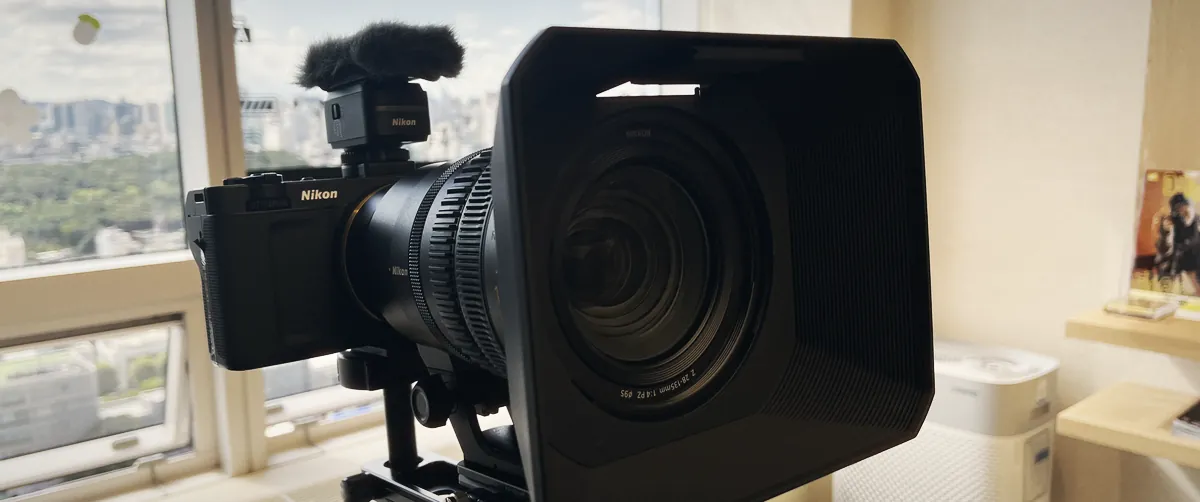
DaVinci Resolve is the safest editor for Nikon ZR R3D NE files in 2026. It's the one app Nikon names in its own grading guide, and ZR owners report the fewest problems with it. Premiere has imported R3D NE natively since version 26.0 in January 2026, but only on Apple silicon Macs and Windows PCs with CUDA or OpenCL. Final Cut Pro reads the files once you install RED's free Apple Workflow Installer (version 23 or later). None of the three can trim R3D NE clips when you archive a project.
Nikon's product pages say "supported" and stop there. The detail sits in release notes and forum threads, so we put it in one place: which version you need, what breaks, and the setup we'd use.
Status on 29 October 2026, from Adobe's and RED's release notes plus Nikon's own guides. The "known problems" column comes from user reports on the Apple, Adobe and EOSHD forums, so read it as things to test: Apple and Adobe haven't confirmed most of them.
| Editor | R3D NE since | What you need | Known problems |
|---|---|---|---|
| DaVinci Resolve | Nikon lists it as compatible; no version in Blackmagic's notes that we could find | A current version (21.1.2 is the latest) | Media Management copies whole clips, no trim |
| Adobe Premiere | 26.0, January 2026 | Apple silicon Mac, or Windows with CUDA or OpenCL | No Intel Macs. Before 26.0, stable 25.6 imported ZR clips with no audio |
| Final Cut Pro | RED Apple Workflow Installer 23.0.0, 15 October 2025 | The RED plug-in (24.0.0 is current) and Final Cut 10.4.9 or later | "Missing Plugin" and greyed-out clips reported on Final Cut 11, not reproduced by everyone |
| REDCINE-X Pro | 65.0.20, 15 October 2025 | Free download from RED (65.2.1 is current) | R3D Trim export doesn't work with R3D NE |
Nikon publishes a ZR technical guide for Log3G10, and Resolve is the only editor it covers. The project settings are the same for both of its methods:
| Setting | Value |
|---|---|
| Color science | DaVinci YRGB |
| Timeline color space | REDWideGamutRGB / Log3G10 |
| Output color space | Rec.709 (Scene) on Windows, Rec.709-A on macOS |
| 3D LUT interpolation | Tetrahedral |
| Method 1 | Nikon's Log3G10 LUT on the last node (download it, or use the one built into the camera) |
| Method 2 | Color Space Transform on the last node: REDWideGamutRGB / RED Log3G10 in, Rec.709 out |
In both cases you grade on the nodes before the last one. We'd go with the CST: you can swap the output for HDR later without hunting for a new LUT. If your clip frame rate doesn't match the project, Nikon says to click "Don't Change" when Resolve asks.
Free or Studio? Nikon doesn't say. One ZR reviewer believes you need Studio 20.1 or later, and we found no test of the free version with R3D NE. Before you pay, download Nikon's official R3D NE sample clips and open one in free Resolve. Our Resolve 21.1.2 article covers what Studio costs and what the latest update changed.
Yes, from 26.0. Adobe dropped "Pro" from the name with that release and listed "support for importing the new R3D NE format" in the notes. The beta came first, in October 2025, and in December an Adobe staff reply said full support was still beta-only. That's why older forum threads tell you Premiere can't do it.
Two limits from Adobe's announcement still apply. R3D NE doesn't run on Intel Macs at all, and Premiere draws 32-bit float waveforms wrong above 0 dB. The ZR records 32-bit float audio, so a clip can look clipped in the timeline when it isn't. Audition shows those waveforms correctly.
Final Cut decodes RED files through RED's plug-in. Without the RED Apple Workflow Installer, users get a pop-up saying the RED third-party plug-in isn't compatible. Install version 24.0.0, restart Final Cut, and most people's ZR clips open.
A few owners still have trouble. Users on macOS 26.1 and Final Cut 11 describe clips that load, then go grey with "Missing Plugin" later. Another user on an M1 Ultra couldn't reproduce it with Nikon's sample files and suspected it only happens with big batches of long clips. RED's 24.0.0 notes list a fix for "a rare crash when loading N-RAW or R3D NE clips", so update before anything else.
Not yet, in any app. RED support told a ZR owner on the EOSHD forum that the R3D Trim export in REDCINE-X Pro 65.0.20 isn't compatible with R3D NE. ZR owners say Resolve's Media Management copies the whole clip. The same owner later reported that Blackmagic blamed the RED SDK, and that N-RAW (.nev) clips do trim. None of RED's later release notes mention trimming.
The files are big, so this costs you drive space. Our numbers, from Nikon's bitrates:
| Mode | Bitrate | Per minute | Per hour |
|---|---|---|---|
| 6K 6048x3402, 59.94p, High quality | 3780 Mbps | about 28 GB | about 1.7 TB |
| Other R3D NE modes | 4K 4032x2268 up to 59.94p and 3984x2240 up to 119.88p; lower frame rates use less data | ||
If you archive every project in R3D NE, you keep every take in full. RED's suggested way around it is to transcode the selects. If trimmed RAW archives matter more to you than RED's colour pipeline, shoot N-RAW and switch to R3D NE on jobs where you want Log3G10.
| If you | Use | Why |
|---|---|---|
| Grade your own footage | Resolve | Nikon's guide is written for it, and RED Log3G10 is built into its colour tools |
| Already cut in Premiere, Apple silicon or a CUDA PC | Premiere 26 | Native import, no transcode |
| Edit on an Intel Mac | Resolve, or transcode in REDCINE-X Pro | Premiere doesn't support R3D NE on Intel Macs |
| Cut in Final Cut | Final Cut with RED plug-in 24.0.0 | Works for most; test a full card before a paid job |
| Need trimmed RAW archives | Shoot N-RAW instead | R3D NE can't be trimmed in any app yet |
| Editor | Pros | Cons |
|---|---|---|
| Resolve | Nikon's settings and LUT, CST with RED gamma, fewest reports of trouble | Free version support unconfirmed; no trim in Media Management |
| Premiere 26 | Native, hardware-accelerated on Apple silicon and CUDA/OpenCL | No Intel Macs; float waveforms drawn wrong above 0 dB |
| Final Cut Pro | Fast on Apple silicon once the plug-in is in | Depends on a third-party plug-in; "Missing Plugin" reports |
| REDCINE-X Pro | Free, made by RED, good for checks and transcodes | Not an editor; R3D Trim export doesn't work with R3D NE |
Our view: if you bought a ZR for R3D NE, learn Resolve. The other two work, but each one adds a condition you'll have to remember on a deadline. Shooting log outside? You'll want plenty of ND too, and our variable ND filter guide covers how many stops.
Yes, from Premiere 26.0, released in January 2026, on Apple silicon Macs and on Windows PCs with CUDA or OpenCL. Intel Macs aren't supported. Version 25.6 and older stable releases didn't have full R3D NE support.
Nikon doesn't say, and we found no published test of the free version with R3D NE. Download Nikon's official R3D NE sample clips and try them in free Resolve before you buy Studio.
Install the RED Apple Workflow Installer from RED's download page (version 24.0.0 is the latest) and restart Final Cut. Version 23.0.0 was the first with R3D NE support.
REDWideGamutRGB with Log3G10 gamma. In Resolve, Nikon's guide sets the timeline to REDWideGamutRGB/Log3G10 and outputs Rec.709 (Scene) on Windows or Rec.709-A on macOS.
No. Resolve copies the whole clip, and REDCINE-X Pro's R3D Trim export doesn't support R3D NE either. ZR owners report that N-RAW clips can be trimmed.
Osmo Action 7 rumors disagree on 8K, the sensor and the price. We graded every claim by its source, and say who should buy the Action 6 in Europe right now.
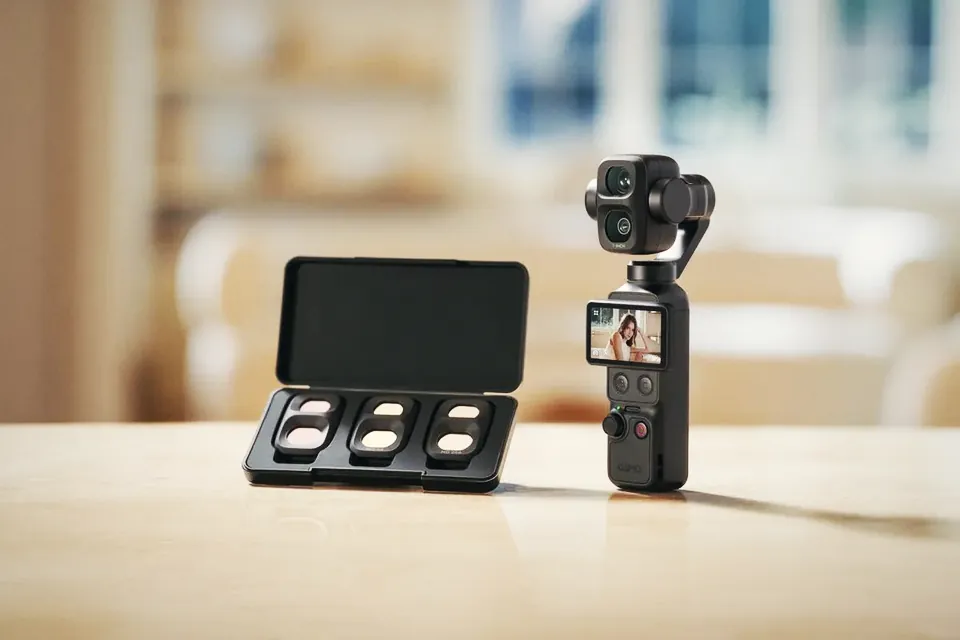
At native ISO 1600 in D-Log 2, the Osmo Pocket 4P needs about 11 stops of ND in full sun. Most Pocket ND kits stop at 6 to 8. The maths, and what to buy.

Leaks point to a 1/1.1-inch square sensor, 192.7 g and an RC Mini remote for the DJI Neo 3. What's confirmed, what isn't, and when it could launch.
 Cameras & dronesNew bodies, drones, firmware updates and what they change on set.
 AccessoriesLenses, gimbals, monitors, audio, lights and the gear around the camera.
 LeaksRumours and leaked specs before launch, with what is confirmed and what is not.
 SoftwareEditing, grading and VFX tools, and the updates worth installing.
 OtherIndustry news, techniques and everything that does not fit a box.