
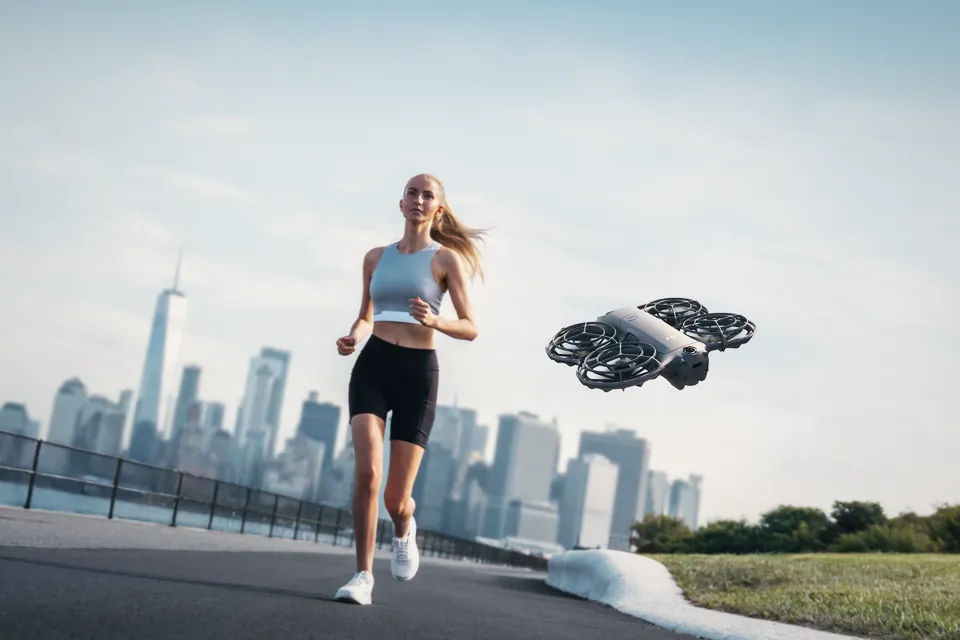
DJI Neo 3 leaks: bigger sensor, 192.7 g and everything we know before launch
Leaks point to a 1/1.1-inch square sensor, 192.7 g and an RC Mini remote for the DJI Neo 3. What's confirmed, what isn't, and when it could launch.
Resolve 21.1.2 brings faster AI search on Apple M6, 4x faster OGraf playback and Linux graphics. Studio is 20% off until 20 November. Here's what changed.
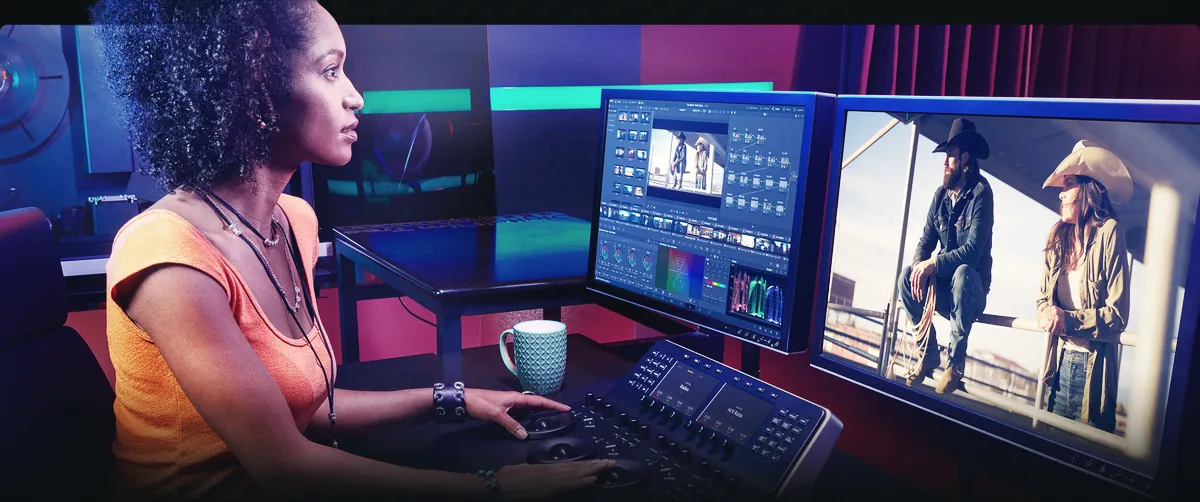
DaVinci Resolve 21.1.2 is out, a free update for both the free version and Studio. The headline numbers: IntelliSearch analysis up to 14x faster on Apple M6 Macs running macOS 27, OGraf graphics playing back up to 4x faster, and OGraf and Lottie graphics finally working on Linux. At the same time Blackmagic has cut Resolve Studio by 20%, to $236, until 20 November 2026.
It’s a point release, so nothing here changes how you cut. But a few of the fixes touch things people actually use every day, and the sale lands right as Blackmagic’s CEO keeps hinting that free upgrades might not last forever.
Blackmagic’s notes list around 34 changes. These are the ones we’d care about on a real edit:
| Area | What changed |
|---|---|
| AI search | IntelliSearch analysis up to 14x faster on Apple M6 with macOS 27 |
| Intel graphics | Faster IntelliSearch, multicam SmartSwitch and other AI tools |
| Graphics | OGraf up to 4x faster on the Edit and Fusion pages. Templates can adapt to the timeline’s aspect ratio |
| Linux | OGraf and Lottie graphics now supported |
| Edit page | Lasso around edit points to jump into dynamic trim, a current clip indicator, loudness meters in the edit mixer |
| Color | Fast Noise can follow the FX tracker. Better trackball feel for HDR global wheels on panels |
| Disk space | Magic Mask caches take up less room |
| RAW photos | New project setting to switch off DNG lens correction |
| Scripting | More of the API opened up, for automating photo and editing jobs |
The vertical-video crowd should look at the responsive OGraf templates. If you deliver the same titles in 16:9 and 9:16, a template that reshapes itself to the timeline saves you from keeping two versions of every lower third.
Fixes don’t make headlines, but they’re usually why you update. A few that stood out:
Mid-project, wait for a break. Otherwise, yes, but do one thing first: back up your project library. Once a project is opened in 21.1.2 you can’t reopen it in 20.3.2. If you share projects with someone still on Resolve 20, agree on a version before anyone updates.
If you’re on a Mac with an M6 chip, the IntelliSearch speed-up only applies on macOS 27. On older Apple Silicon you’ll still get the fixes, just not that 14x figure. That number is Blackmagic’s, and like every “up to” claim it’s the best case.
The update is on Blackmagic’s support page, or through Resolve’s own update check.
Blackmagic cut Studio from $295 to $236, worldwide, through resellers and its own store. The sale runs until Friday 20 November 2026. In Europe, German retailers list it at €245.
The hardware is discounted too, and it’s probably the better deal. The Speed Editor drops from $395 to $316, and Blackmagic’s keyboards and grading panels, including the Micro Color Panel, are also 20% off. Newsshooter notes that panel stock is limited.
Blackmagic’s stated reason is the new wave of chips built for AI work, naming Apple’s M6 and Nvidia’s RTX Spark. The pitch: Studio’s AI tools now run fast enough on these machines to be worth paying for.
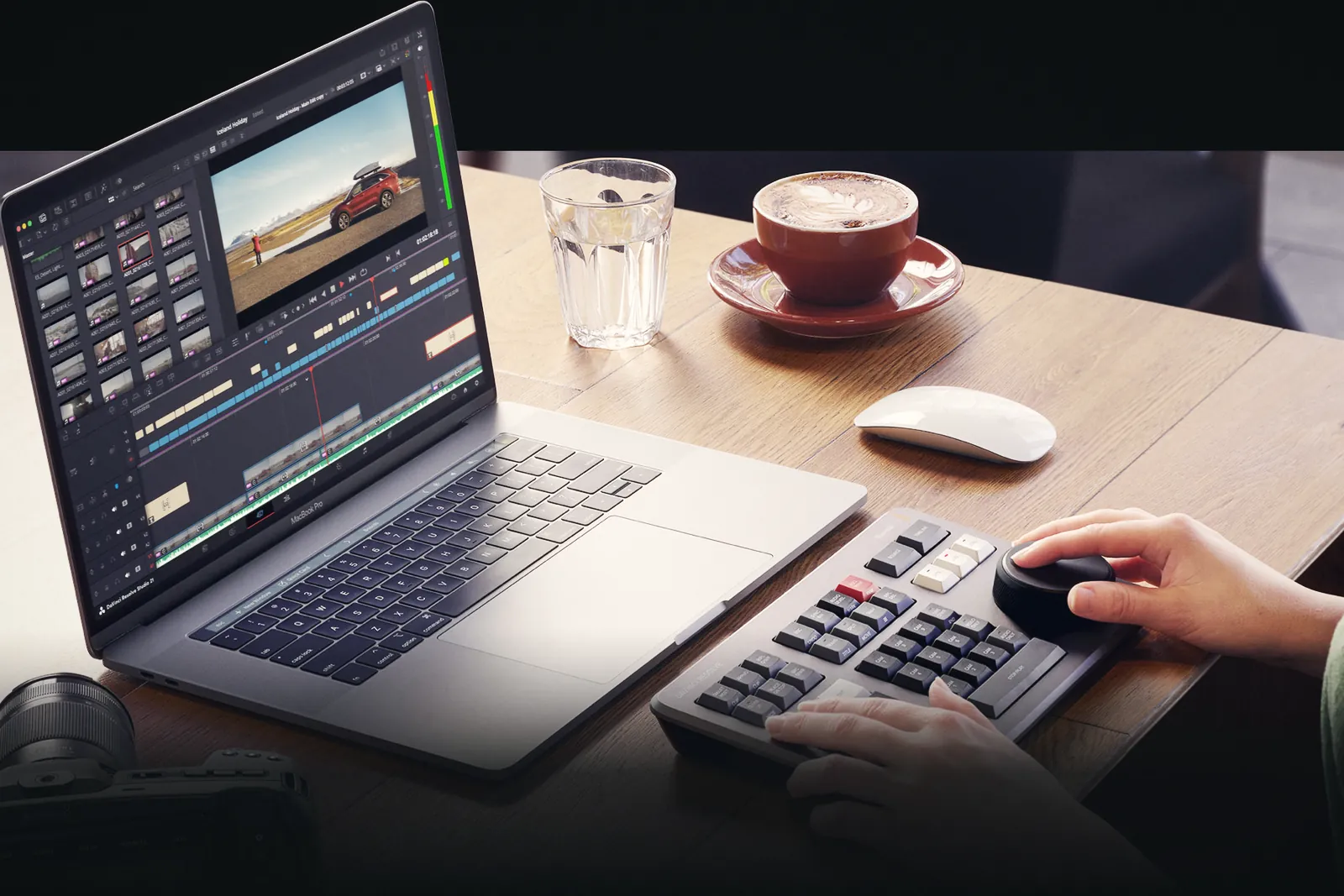
Plenty of people cut paid work in the free version, and that’s fine. It has no watermark and no time limit. You pay for Studio when you hit one of its walls:
If none of that is you, keep the free version and spend the $236 on a lens filter or a drive. If you’ve been on the fence, $59 off a licence you buy once, with no subscription, is a decent push.
This is the part closest to a rumor, so here’s exactly what was said.
At Blackmagic’s NAB 2026 livestream in April, CEO Grant Petty confirmed the Resolve Studio 21 update would be free. He then added, as RedShark News reported, that “we could have an upgrade charge, but we haven’t really charged for any of these upgrades yet.” His reasoning: Studio sells well, and those sales pay for the engineering team. He made similar remarks about Resolve 20 a year earlier.
So: no paid upgrade is planned, no price exists, and Blackmagic hasn’t charged Studio owners for an upgrade so far. What has changed is that Petty now says out loud that it could happen. Our read is that buying Studio today covers you for the Resolve 21 updates at least. Nobody can promise more.
There’s no official word on Resolve 22. The pattern is worth knowing, though: Blackmagic has previewed its big versions at NAB in April, Resolve 20 in 2025 and Resolve 21 in 2026. If that holds, the next major version would be shown in April 2027, with point updates like this one until then. That’s a guess based on history, not an announcement.
If you shoot small cameras with log profiles like D-Log 2 or bigger bodies recording RAW, like the Sony FX5 with X-OCN, Resolve stays the obvious place to grade them, free or paid.
Yes. It’s a free update for the free version of DaVinci Resolve 21 and for Resolve Studio 21 owners.
No. Projects opened in 21.1.2 can’t be reopened in 20.3.2. Back up your project library before updating.
Until Friday 20 November 2026. Studio is $236 instead of $295, and Blackmagic’s editing keyboards and grading panels are 20% off, with the Speed Editor at $316.
Not for now. Grant Petty said at NAB 2026 that larger updates could carry an upgrade charge in the future, but Blackmagic hasn’t announced one and the Studio 21 updates are free.
Blackmagic quotes the 14x figure for Apple M6 computers running macOS 27. Other Macs get the update and the fixes, without that specific speed-up.
Leaks point to a 1/1.1-inch square sensor, 192.7 g and an RC Mini remote for the DJI Neo 3. What's confirmed, what isn't, and when it could launch.
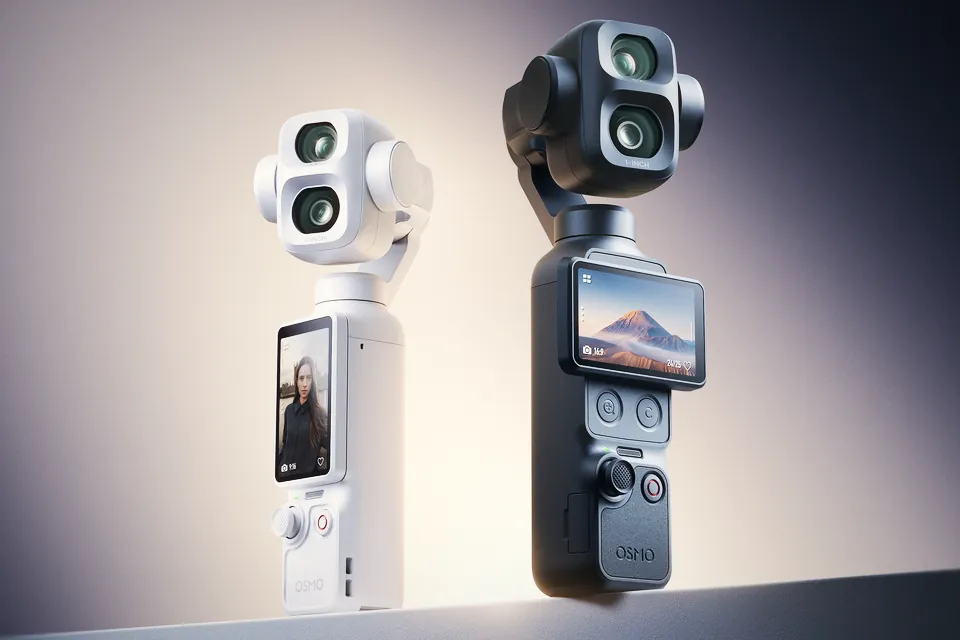
The Osmo Pocket 4P now comes in Pearl White, with white accessories in the box. Same specs and price as the black one. Where to buy it and what to know first.
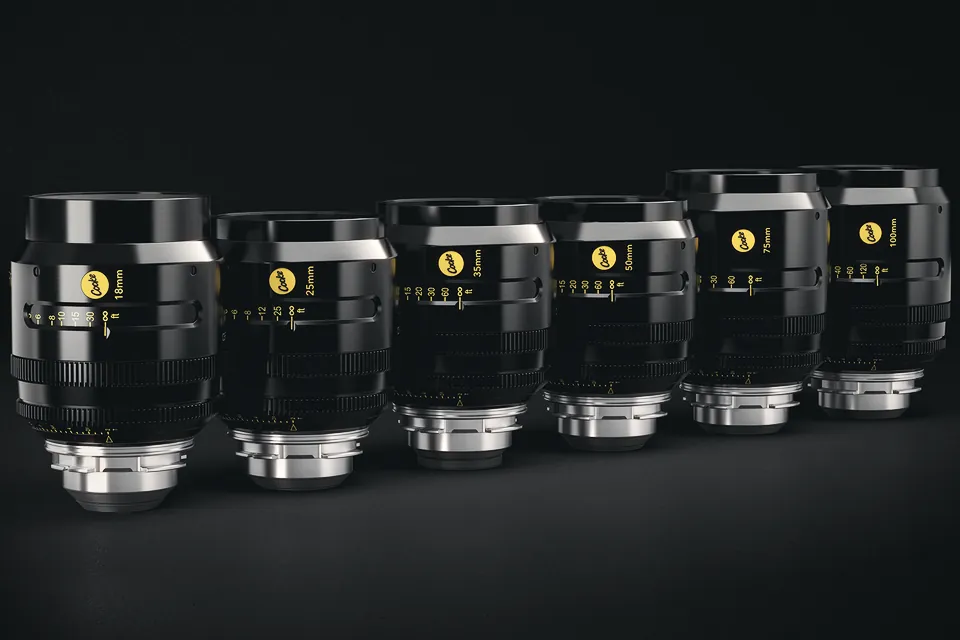
Cooke's S4 FF/i brings the S4 look to full frame: six T2 primes from 18 to 100mm at $15,000 each. Official specs, price and what changed from the S4/i.
 Cameras & dronesNew bodies, drones, firmware updates and what they change on set.
 AccessoriesLenses, gimbals, monitors, audio, lights and the gear around the camera.
 LeaksRumours and leaked specs before launch, with what is confirmed and what is not.
 SoftwareEditing, grading and VFX tools, and the updates worth installing.
 OtherIndustry news, techniques and everything that does not fit a box.