

DJI Mini 5 Pro in the EU: which accessories break C0 (and what EN 4709-001 changed)
Battery Plus, prop guards, ND filters: which Mini 5 Pro add-ons take it out of C0 in the EU, what the 3% tolerance covers, and what to buy instead.
Resolve opens iPhone 18 Pro ProRes RAW, but the decode menu offers HLG, Apple Log and Apple Log 2. Which one to pick, and why your macOS version matters.
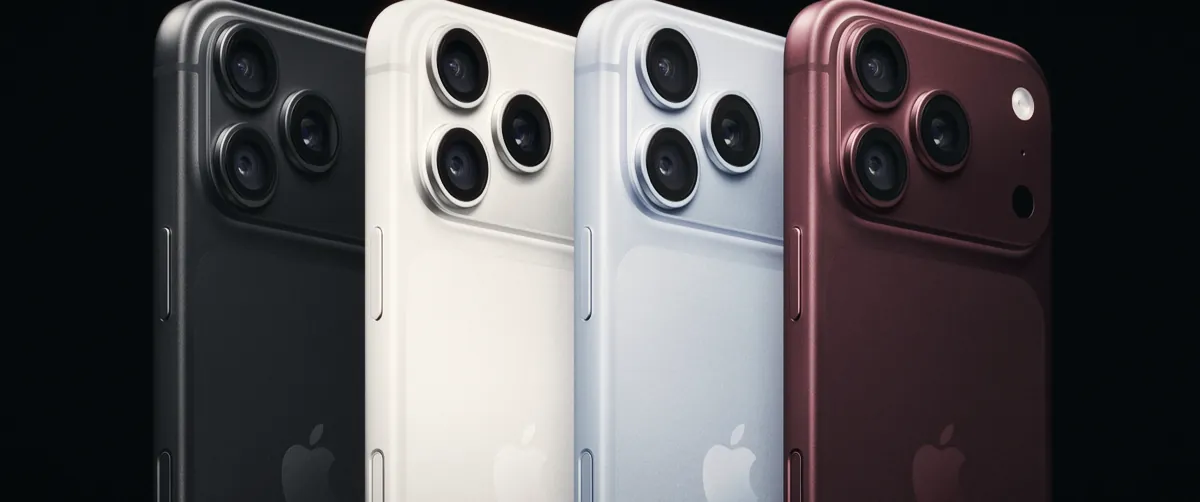
DaVinci Resolve has decoded ProRes RAW since version 20.2, and that includes clips from the iPhone 18 Pro and 18 Pro Max. The catch is the RAW to Log menu: it offers HLG, Apple Log and Apple Log 2. For most people grading in Resolve, Apple Log is the easy choice, because Resolve's Color Space Transform has had an Apple Log curve since 18.6 and Apple Log uses Rec.2020 primaries. Apple Log 2 keeps the wider Apple Gamut, but Blackmagic still hasn't listed a matching preset in its release notes.
Apple didn't mention ProRes RAW, Log or Genlock in its 9 September keynote or press release. They sit on the iPhone 18 Pro spec page, carried over from the 17 Pro. So you won't find much written for this phone, and the Resolve side of the story is split across a release note, an Apple download page and a couple of forum threads.
The choice decides which colour space Resolve hands to your first node. Pick it before you start grading, because changing it later shifts everything downstream.
| RAW to Log | Primaries | Next step in Resolve | Good for |
|---|---|---|---|
| HLG | Rec.2020 | Rec.2100 HLG timeline, or a CST from Rec.2100 HLG | Fast HDR edits, social delivery, matching the iPhone preview |
| Apple Log | Rec.2020 | CST with Input Color Space Rec.2020 and Input Gamma Apple Log | Rec.709 grades, mixing with Apple Log clips from older iPhones |
| Apple Log 2 | Apple Gamut (wider) | A transform built for Apple Log 2; Blackmagic's notes list no preset | Saturated light sources, if you have a correct Log 2 transform |
Decoding to Apple Log should squeeze colour into Rec.2020 before you touch it. On a normal Rec.709 job you won't see the difference. Neon, stage LEDs and saturated sunsets are where the extra Apple Gamut range could matter, and those are the shots to test both ways.
Apple's AVFoundation documentation describes Apple Log as BT.2020 primaries with an Apple-defined log curve. Apple Log 2 gets "Apple Gamut as the color primaries, and an Apple defined Log curve". Apple's Final Cut Camera guide adds that Log 2 has "a wider color gamut than Apple Log".
The gamma side looks the same. A user on the Blackmagic forum says both profiles use the exact same curve. Apple itself hasn't published the Log 2 primaries in a white paper we could find, so treat the "same curve" point as user-reported.
| Apple Log | Apple Log 2 | |
|---|---|---|
| Primaries | BT.2020 | Apple Gamut (wider than Apple Log, per Apple) |
| Curve | Apple-defined log | Apple-defined log, reported identical |
| iPhones | 15 Pro and later | 17 Pro and later, including 18 Pro |
| In Resolve's CST | Apple Log gamma since 18.6, with Rec.2020 | No labelled preset in Blackmagic's notes |
| Apple Log LUT on it? | Yes, that's what it's for | No: LUT seller Gamut reports oversaturated, skewed colour |
Resolve reads the file, but the iPhone-specific processing comes from Apple. Apple's Pro Video Formats 3.2 package (30 September 2026) includes an "iPhone ProRes RAW plug-in" that lets apps "provide more controls" for iPhone RAW. The plug-in needs macOS 15.6 or later, and ProRes RAW itself needs a Mac that supports Metal.
Digital Production tested this in Resolve 20.2. On macOS Sonoma 14.8 the Plugin menu offered only "Standard", which leaves exposure and white balance. On Sequoia 15.7 the full set appeared. We haven't found anyone documenting the Windows or Linux panel for iPhone clips. Apple ships the plug-in only for macOS, so expect the basic controls there, and check on your own machine before a job.
| Setup | Opens ProRes RAW | iPhone RAW controls |
|---|---|---|
| Mac, macOS 15.6 or later, Pro Video Formats 3.2 | Yes | Full: Processing, Demosaic, RAW to Log and more |
| Mac, Sonoma 14.x | Yes | "Standard" only: exposure and white balance |
| Windows or Linux | Yes, from Resolve 20.2 (third-party guides; Blackmagic's announcement doesn't list platforms) | Not documented, likely basic |
Select the clip on the Color page and open the Camera RAW palette. These are the controls Digital Production found with the plug-in installed:
| Control | Set it to | Notes |
|---|---|---|
| Decode Using | Clip | Lets you change the settings below per clip |
| Processing | iPhone ProRes RAW | Corrects ultra wide lens distortion |
| RAW to Log | Apple Log (our default) | HLG or Apple Log 2 as in the table above |
| ISO, Exposure Bias | As shot, then adjust | Fix exposure here before the first node |
| As-Shot White Balance, Color Temperature | As shot, then adjust | No tint control, according to Gamut |
| Demosaic | Custom, only if you need it | Turns on the Color Noise, Edge Contrast and Detail Enhancement sliders |
Then add a CST on your first node. For Apple Log, set Input Color Space to Rec.2020 and Input Gamma to Apple Log, and send it to DaVinci Wide Gamut / DaVinci Intermediate. Grade in the middle, and finish with a second CST to Rec.709 Gamma 2.4. Copy RAW settings between clips with gallery stills, since Resolve can't store ProRes RAW presets in the project's Camera RAW settings. And if an older project shows no RAW panel for these clips, Digital Production's workaround was a fresh project with the RAW footage imported first.
The iPhone 18 Pro spec page lists ProRes RAW, Apple Log 2, ACES and Genlock, plus ProRes up to 4K 120 fps with external recording. Apple's own guides point to Final Cut Camera 2.0 for RAW, and Blackmagic Camera records it too. In Final Cut Camera, picking ProRes RAW locks the resolution to open gate and greys out the colour space setting. The preview LUT switches on by itself, set to Apple Log 2 to HDR (HLG).
| Item | Value | Source |
|---|---|---|
| Main camera | 48MP Fusion, 24 mm, variable aperture f/1.48, f/1.8, f/2.8, f/4 | Apple specs |
| ProRes RAW resolution | Open gate 4224 x 3024 | Final Cut Camera guide |
| ProRes RAW, 30 fps | More than 10 GB per minute | Final Cut Camera guide |
| ProRes RAW HQ, 30 fps | More than 15 GB per minute | Final Cut Camera guide |
| Storage options | 256 GB, 512 GB, 1 TB, 2 TB | Apple specs |
| Price, iPhone 18 Pro | from €1,449 (Germany), £1,199 (UK), $1,199 (US) | Apple online stores, 30 October 2026 |
| Price, iPhone 18 Pro Max | from €1,599 (Germany), $1,299 (US) | Apple online stores, 30 October 2026 |
The variable aperture is new for this generation, and Apple lists aperture among the pro video controls. Stopping down to f/4 cuts some light on bright days, but we haven't seen a test of how it behaves in RAW apps. Our variable ND guide explains the stop maths if you shoot at f/1.48 outside.
| ProRes RAW | ProRes 422 HQ in Apple Log 2 | |
|---|---|---|
| Pros | White balance and ISO after the shoot, choice of decode, open gate | Smaller files, opens in any editor that reads ProRes, no plug-in or macOS version to worry about |
| Cons | More than 10 GB a minute, full controls only on recent macOS, fewer RAW options in Resolve than in Final Cut, per Gamut | White balance baked in, same Apple Log 2 preset gap in Resolve |
| Pick it if | You grade on a Mac with macOS 15.6+ and light the scene with mixed sources | You edit on Windows, deliver fast, or shoot long interviews |
We'd shoot RAW for short, controlled pieces and stay with ProRes Log for anything long. If you also cut camera RAW from other brands, our Nikon ZR R3D NE workflow guide compares how Resolve, Premiere and Final Cut handle another RAW format, and the Resolve 21.1.2 article covers the current build.
Blackmagic released 20.2 as a free download, and its announcement says Resolve "supports ProRes RAW decoding natively" without limiting it to Studio. Third-party guides say both editions decode it. Try one clip in the free version before you buy.
Not in any Blackmagic release note we found up to 21.1.2. Resolve's CST has an Apple Log gamma with Rec.2020 primaries. For Log 2 clips, decode the RAW to Apple Log, or use a transform built for Apple Log 2.
You're probably missing Apple's iPhone ProRes RAW plug-in. It comes with Pro Video Formats 3.2 and needs macOS 15.6 or later. On Sonoma, Digital Production saw only the "Standard" plug-in.
Not as is. Apple Log LUTs expect Rec.2020 primaries and Apple Log 2 uses the wider Apple Gamut, so colours come out wrong. Decode ProRes RAW to Apple Log first, or use a Log 2 transform.
Battery Plus, prop guards, ND filters: which Mini 5 Pro add-ons take it out of C0 in the EU, what the 3% tolerance covers, and what to buy instead.
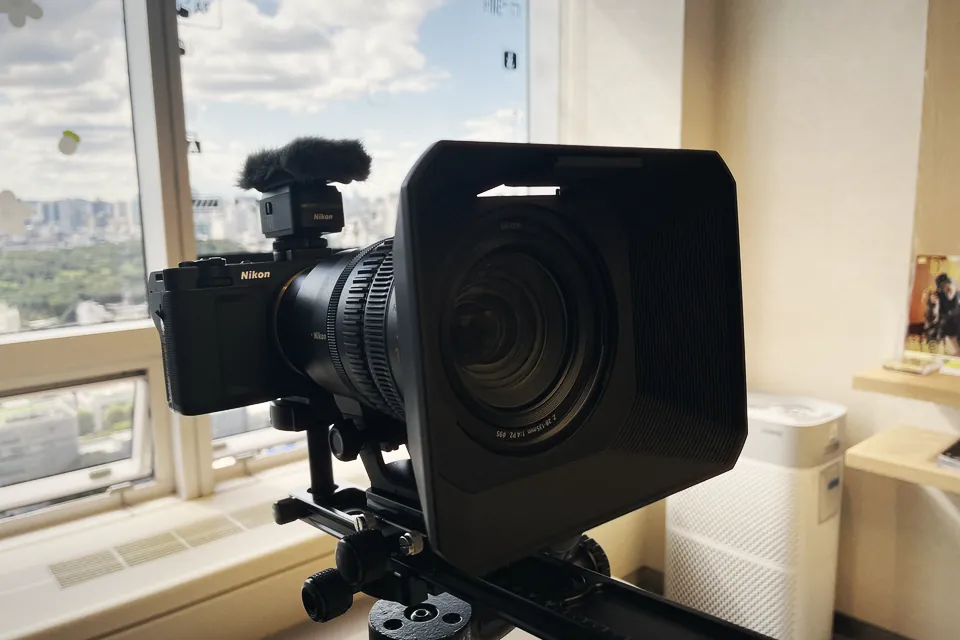
Nikon ZR R3D NE files open in Resolve, Premiere 26 and Final Cut, but each has a catch. What every editor needs, where it breaks, and which one we'd pick.
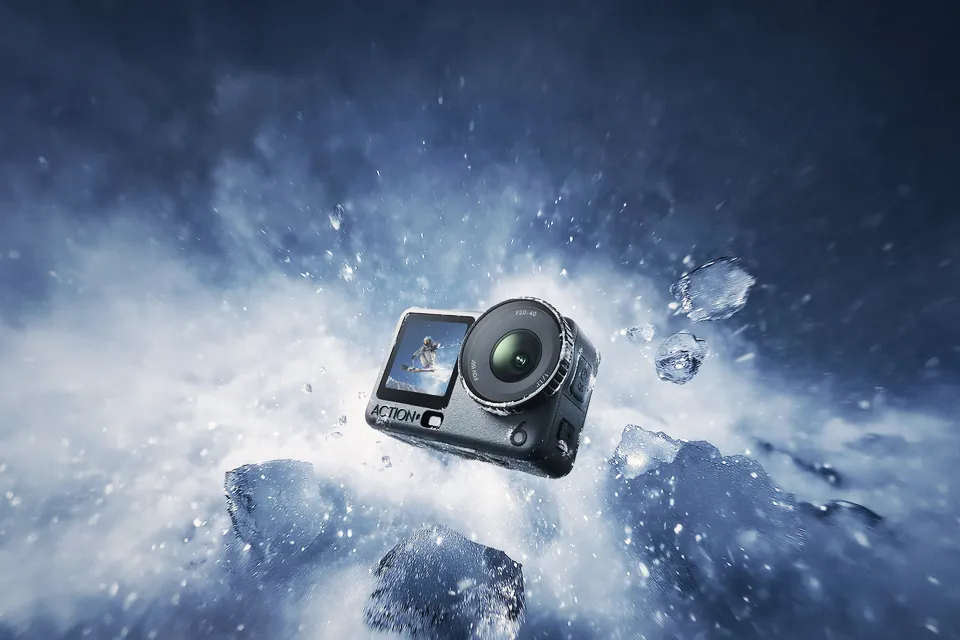
Osmo Action 7 rumors disagree on 8K, the sensor and the price. We graded every claim by its source, and say who should buy the Action 6 in Europe right now.
 Cameras & dronesNew bodies, drones, firmware updates and what they change on set.
 AccessoriesLenses, gimbals, monitors, audio, lights and the gear around the camera.
 LeaksRumours and leaked specs before launch, with what is confirmed and what is not.
 SoftwareEditing, grading and VFX tools, and the updates worth installing.
 OtherIndustry news, techniques and everything that does not fit a box.