DaVinci Resolve 21.2: touch on the new MacBook Pro, Gen 6 LUTs and the fixes worth updating for
Resolve 21.2 adds touch for Apple's OLED MacBook Pro, faster renders on M5 Pro and Max, and Gen 6 LUTs. Which Macs get what, and which fixes are worth it.
The new 14- and 16-inch MacBook Pro with PROLED XDR display. Image: Apple.
Blackmagic released DaVinci Resolve 21.2 on 5 November 2026, free and Studio, for Mac, Windows, Linux and Windows ARM. It adds touch support for Apple's new MacBook Pro with the PROLED XDR display, which ships on 6 November, plus "up to 5x faster rendering" on M5 Pro and M5 Max chips and support for Blackmagic's Generation 6 Color Science LUTs and film looks. The rest of the notes is 28 bug fixes and a handful of editing tweaks, and some of those fixes matter if you work with Sony XAVC, RED or H.265 files.
Which Mac gets what from Resolve 21.2?
Touch needs the new screen, while the render speed-up, going by Blackmagic's wording, depends on the chip. If you own an M5 Pro or M5 Max Mac without touch, you're in the second column only.
Resolve 21.2 features by Mac, with Apple's starting prices (Italy, UK, US)
Mac
Touch in Resolve
"Up to 5x" rendering
Starting price
MacBook Pro 14" PROLED XDR, M5 Pro
Yes
Yes
€3399 / £2899 / $2899
MacBook Pro 16" PROLED XDR, M5 Pro
Yes
Yes
€3999 / £3399 / $3399
MacBook Pro 14" PROLED XDR, M5 Max
Yes
Yes
€5299 / £4499 / $4499
MacBook Pro 16" PROLED XDR, M5 Max
Yes
Yes
€5699 / £4799 / $4799
Any other Mac with M5 Pro or M5 Max
No (no touch screen)
Yes, going by Blackmagic's notes
Already owned
MacBook Pro 14" with M6
No (Liquid Retina XDR, no touch)
Not mentioned
€2349 / £1999 / $1999
Windows, Linux, other Apple silicon
No
Not mentioned
n/a
Blackmagic's short description says "up to 5x faster rendering for M5 Pro and M5 Max Apple silicon chips". Newsshooter's copy of the notes says "effects rendering", and YMCinema points out that Blackmagic's announcement gives no benchmark. Read it as: some effects, in some timelines, render a lot faster. We wouldn't expect 5x on a plain H.265 export, and no independent test exists yet. Blackmagic also doesn't say whether the gain differs between free and Studio.
The PROLED XDR models went on pre-order on 28 October and reach stores on 6 November, so outside of reviewers, nobody has used touch in Resolve yet.
What can you do with touch in Resolve?
The official release notes say only "Support for Apple MacBook Pro with PROLED XDR touch screens". The detail comes from Blackmagic's announcement as YMCinema reports it:
Touch in Resolve 21.2, per Blackmagic's announcement as reported by YMCinema
Where
What you can touch
Timeline
Scroll with a finger, drag effects and titles onto clips
Media pool
Drag media in
Viewers on Photo, Edit, Color, Media and Deliver
Pan and pinch to zoom
Whole app
Multi-touch on virtual sliders
Cut, Edit and Fairlight
Audio mixer faders
Color page
Color wheels and master wheels, color charts, Color Warper, annotations, Power Window overlays
Moving a Power Window with your finger on the image makes sense. So does riding audio faders on a laptop with no mixer. Grading wheels by touch is another story: your hand sits on top of the picture you're judging, and a fingertip is less precise than a trackball or a mouse with a modifier key. We'd treat it as a location tool for quick fixes, and keep panels or the trackpad for the real grade.
Resolve has tried this before. Version 12.5.4 in December 2016 put primary sliders and color wheels on the Touch Bar of that year's MacBook Pro, and the Touch Bar didn't last. Apple's own press release now lists DaVinci Resolve among the third-party apps that will use touch, and says macOS turns touches into clicks in apps that haven't been updated.
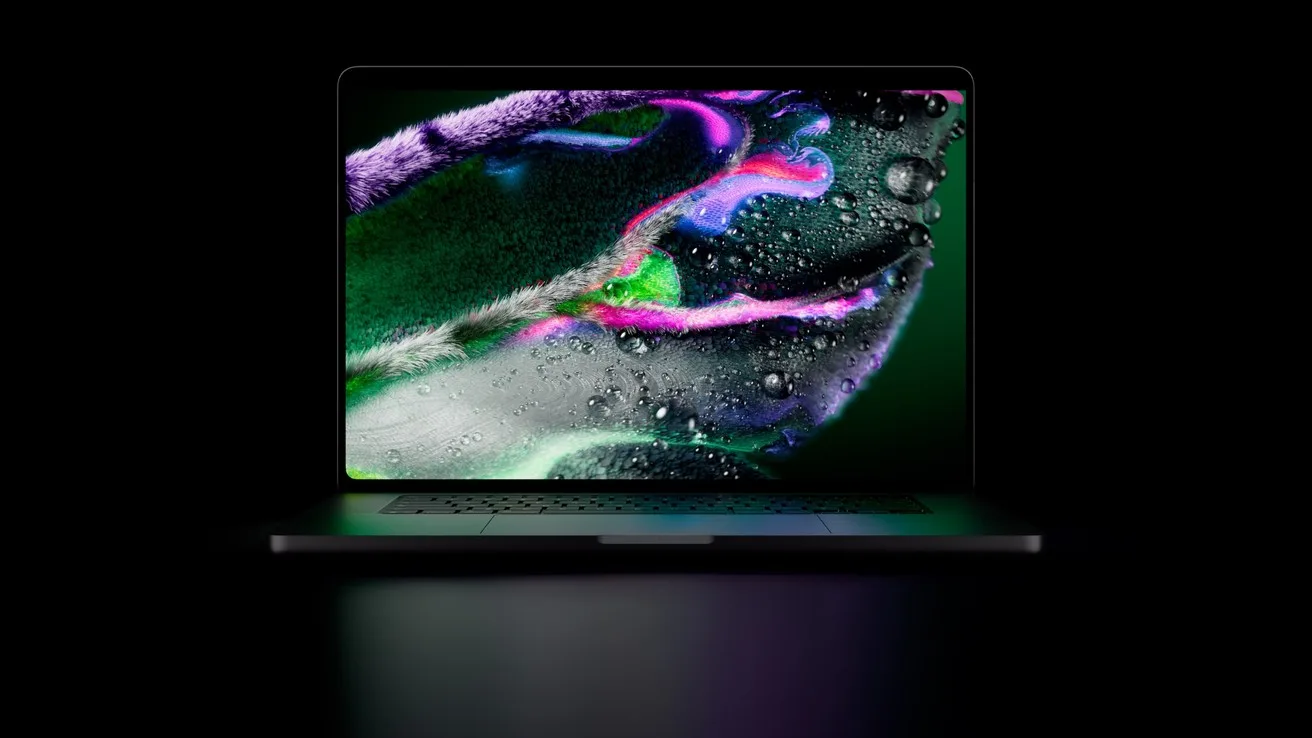
Apple's MacBook Pro with PROLED XDR. Apple quotes up to 2000 nits and more than 80% of Rec. 2020. Image: Apple.
Do you need the Gen 6 LUTs?
Only if you shoot Blackmagic RAW. Blackmagic introduced Generation 6 Color Science in September with Blackmagic Camera 10.3 for the URSA Cine 12K LF, along with Blackmagic RAW 6.0 and Resolve 21.1, which could already decode BRAW as Gen 6. Gen 6 starts from DaVinci Wide Gamut instead of Blackmagic Film Wide Gamut, and it replaces the old "Standard" video spaces with a Rec 709 BT1886 transform. Newsshooter writes that you can also pick Gen 6 for existing clips, including PYXIS and Pocket Cinema Camera footage.
21.2 fills in the pieces around that: Gen 6 LUTs and film looks inside Resolve, and the ResolveFX False Color tool reading Gen 5 and Gen 6. If you light with false color on set and check exposure again in post, you now get the same tool on both generations. If you shoot Sony, Canon or DJI, you can skip this part.
Which fixes matter for your footage?
Blackmagic lists the fixes without saying which cameras triggered them, so the right column is our reading of who's likely to hit each problem.
Selected Resolve 21.2 fixes and changes, from Blackmagic's release notes
Release note
Who it affects
Artifacts in Sony XAVC Long GOP MXF renders
Anyone delivering XAVC Long GOP MXF, common for broadcasters
Flashing "media offline" frames with some H.265 clips
H.265 shooters: mirrorless, drones, phones. Blackmagic doesn't name the cameras
Extracted audio files now retain source timecode
Dual-system sound and timecode sync
Wrong channel order for WAV files with iXML tracks
Multitrack field recorder files
Network drive audio issues for some MXF clips; slow loading from XDCAM drives
Shared storage and Sony XDCAM workflows
Network paths with accented characters on macOS 27
Anyone with folders like "Matrimonio Città" or "Dreh München" on a NAS
ACES 2.0 artifacts on Windows and Linux
ACES pipelines, including DJI's D-Log 2 to ACES workflow
Crash decoding some multi-channel DNG files
CinemaDNG footage
File size estimates for spanned RED clips
RED media management
MainConcept H.265 CRF render crash
H.265 exports with the MainConcept encoder in CRF mode
HE-AAC decode issues for some clips on Windows
Windows editors with AAC audio from cameras or phones
Missing clips in some AAF imports; wrong audio timecode in AAF with interlaced media
Round trips with Avid or Premiere, broadcast interlaced material
Italics in imported TTML subtitles
Subtitle deliverables for streaming
The timecode line is the one we'd underline for small crews. If you sync a wireless kit or a recorder by timecode, as in our guide to Sony timecode from a DJI Mic 3 or Rode Wireless PRO, audio you extract from a clip now carries the clip's timecode and lines up again later. ACES users on Windows or Linux, including anyone following the DJI workflow in our D-Log vs D-Log M vs D-Log 2 guide, should also update.
Editors get a few small changes too. Multicam clips now open as source clips in source timelines. A new menu action and shortcut restores the last active edit points. Converting an in/out range to a compound clip now replaces the clips in place. On the AI side, Blackmagic says the assistants got better at color and Fusion and can download the extras they need, without more detail.
Should you update today?
Our call by situation
Your situation
Update?
Why
You picked up a PROLED XDR MacBook Pro
Yes
Touch support only comes with 21.2
M5 Pro or M5 Max Mac, effects-heavy timelines
Yes, after a test render
The 5x claim has no published test, so time one of your own exports before and after
You hit one of the bugs in the table
Yes
21.2 fixes it
Blackmagic RAW shooter
Yes, between jobs
Gen 6 LUTs and False Color for Gen 6
Mid-project, sharing projects with others
Wait
Agree on a version with your team first. Blackmagic's notes don't say anything about opening 21.2 projects in 21.1
Everything works and none of the above applies
No rush
Nothing here changes a Sony, Canon or DJI grade on a non-touch machine
Back up your project library before you install, as with any Resolve point release. Both versions are on Blackmagic's support page; the free download asks you to register. If you've been thinking about Studio, Blackmagic's 20% sale from our Resolve 21.1.2 article runs until 20 November.
Pros and cons of 21.2
What the update gives you, and what's still missing
Good
Missing or unclear
Touch on timeline, viewers, mixer and Color page tools on day one of the new MacBook Pro
No list of gestures in the official notes
Faster renders on M5 Pro and M5 Max
No benchmark, no list of which effects
Source timecode kept on extracted audio, iXML channel order fixed
No camera models named for the H.265 offline-frame fix
Gen 6 LUTs and False Color for BRAW shooters
Nothing new for other camera color science
Free and Studio, four platforms, same day
Nothing said about project compatibility with 21.1
Questions people ask
Does DaVinci Resolve support touch screens?
From version 21.2 (5 November 2026), Resolve supports touch on Apple's MacBook Pro with PROLED XDR display. According to Blackmagic's announcement, you can scroll timelines, pinch to zoom in viewers, use the audio mixer and move color wheels and Power Windows by touch. The release notes don't mention touch screens on Windows.
Is DaVinci Resolve 21.2 free?
Yes. Blackmagic released 21.2 for both the free DaVinci Resolve and DaVinci Resolve Studio, on macOS, Windows, Linux and Windows ARM. Studio still needs a license.
Will Resolve 21.2 render 5x faster on my Mac?
Blackmagic claims up to 5x faster rendering on M5 Pro and M5 Max chips, and Newsshooter's copy of the notes refers to effects rendering. It hasn't published test conditions. Other Apple silicon chips aren't mentioned.
What is Blackmagic Generation 6 Color Science?
Blackmagic's newest color processing for Blackmagic RAW, introduced in September 2026 with Blackmagic Camera 10.3 for the URSA Cine 12K LF. It uses DaVinci Wide Gamut as its starting point. Resolve 21.1 added Gen 6 decoding, and 21.2 adds Gen 6 LUTs, film looks and False Color support.