
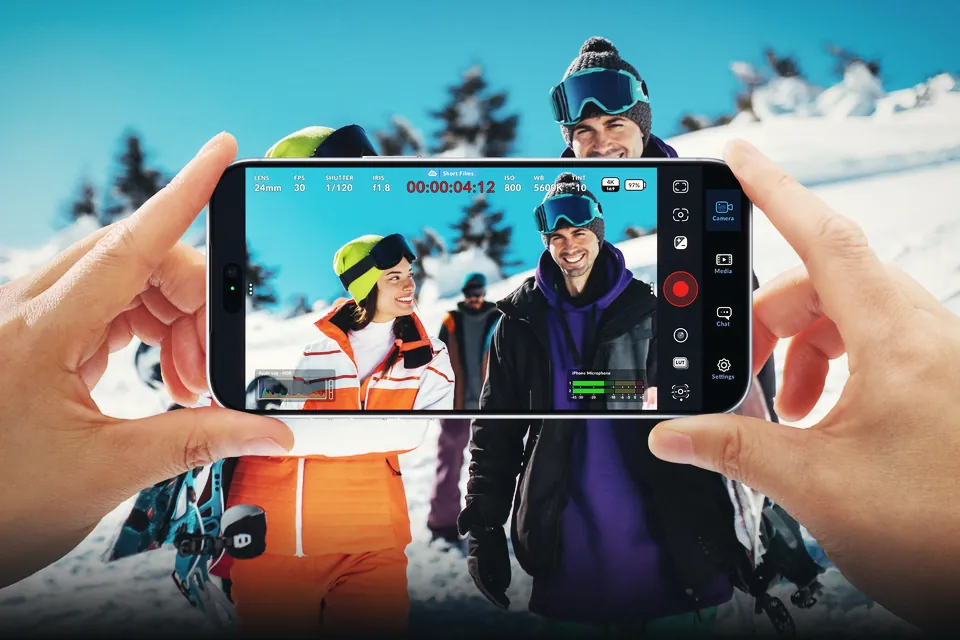
Blackmagic Camera on iPhone in 2026: which iPhones get Apple Log, Apple Log 2 and ProRes RAW
Blackmagic Camera is free on iPhone, but Apple Log, ProRes and ProRes RAW depend on the model. See which iPhones get what, from Apple's own spec pages.
Adobe MAX 2026 put AI agents in Premiere and After Effects. Most is still beta. What ships for editors, what's missing and the debate it opens.
Adobe MAX 2026 ran from 10 to 12 November in Miami Beach, and the pattern across Premiere, After Effects and Frame.io is hard to miss: the headline features are AI assistants, agents and generative tools, and Adobe labels most of them beta. For video pros, the clearest shipping item we found is Color Mode in Premiere. The rest is either beta, a preview for early 2027, or a feature the coverage doesn't label.
Here's the uncomfortable question. When nearly every announcement is built on AI, who is it for? Plenty of editors want the dull timeline chores gone. But the boring, specific things professionals ask for, like codecs, monitoring, speed and clear pricing, barely come up in the coverage we read. We went through Adobe's own posts and the main write-ups to see what's actually new, what's actually available and what's missing, and we leave the argument open at the end.
Status is the column that matters. We used Adobe's own wording where we found it and said so when we didn't.
| Announcement | What it is | Status | Uses generative AI? |
|---|---|---|---|
| AI Assistant in Premiere, After Effects and Frame.io | Chat assistant that works inside the app, built on Adobe Creative Agent. In After Effects it can organize a project and build or debug expressions | Beta (Adobe) | Yes |
| Generative Media Tool in Premiere | Generate Video, Sound Effects, Soundscape and Music from the timeline | Not labelled by Adobe. One outlet says available, none we read says beta | Yes |
| Generative Remove in Premiere | Removes objects from video | Beta (Adobe) | Yes |
| Color Mode in Premiere | A colour workspace. Presets apply to a clip or a whole sequence | Generally available (Adobe) | Not stated |
| Enhance Audio, Separate Crosstalk, Separate Sound Source | Cleans dialogue, splits overlapping speakers and separates dialogue, music, ambience and effects | No status from Adobe. Digital Production implies beta | Not stated |
| Premiere, After Effects and Photoshop on Windows on Arm | Optimized builds, including for Microsoft's Surface Laptop Ultra | Adobe says usable now | No |
| Premiere mobile: licensed music | UMG and WMG tracks in the iPhone app, for personal non-commercial use | Available on iPhone, Android "coming soon" (Adobe) | No |
| Local MCP integrations | Lets outside AI agents edit native project files in Photoshop, Illustrator, Premiere and After Effects | "Early 2027" (Adobe) | Agents, yes |
| Always-on agents | Agents that keep working in the background | Beta in "early 2027" (Adobe) | Yes |
Two more caveats. First, "generally available" doesn't mean free: Adobe says the new Firefly tools "are available today in beta, however Quick Actions is generally available", and none of the pages we read gives Premiere pricing or credit costs. Second, one competitor's blog says Generative Remove tops out at 1080p with no HDR and clips of up to 10 seconds. That blog sells a rival product and we couldn't confirm the numbers with Adobe, so treat them as unverified.
If you take only what ships and doesn't depend on a generative model, the list is short.
| Feature | Why it could matter | The catch |
|---|---|---|
| Premiere Color Mode | Generally available, and presets work on a clip or on the whole sequence | The coverage doesn't say how it handles log footage or colour management |
| Arm Windows builds | Adobe cites an optimized pipeline for playback, colour and rendering | No benchmark numbers in anything we read |
| Audio separation and clean-up | Fixing a noisy interview or splitting two people talking at once is real work for editors | Status unclear, and the pages don't say how well it works |
| Lightroom tethering and Photoshop Quick Compare | Small tools that save clicks | They're for stills, not video |
We looked for news on codecs, RAW formats, scopes, monitoring and Frame.io beyond the assistant. We found none in the pages we read. That doesn't mean Adobe announced nothing, only that it didn't make the coverage, and we couldn't read every page on Adobe's site. If you spot one we missed, tell us.
If you want a contrast, our DaVinci Resolve 21.2 article covers an update about touch on the new MacBook Pro, faster renders on Apple's M5 chips and Gen 6 LUTs. And if your problem is a specific format, our Nikon ZR R3D NE guide shows how Premiere, Resolve and Final Cut handle it today.
The reactions we read don't reject AI. They're more about trust.
| Who | What they said | Worth knowing |
|---|---|---|
| Katy Cowan, Creative Boom (10 Nov) | "If I'm completely honest, a little terrified." She also noted that "the applause noticeably thinned" when the keynote moved to Firefly | A reporter's impression in the room |
| Bela Beier, Digital Production (10 Nov) | "Please do not mistake the whole MAX slide deck for one shipping update." She wants versioning, undo and shared-storage tests before an agent edits a live production | The most practical of the critical pieces |
| Lucas Toledo, Cut.Pro (10 Nov) | "Almost everything is still beta, part of it closed beta, and Adobe said nothing about pricing or countries." Also: "I wouldn't switch editors for this" | Cut.Pro sells a competing AI tool |
| Marko Nguyen, Memeburn (13 Nov) | "The ability to perform an action is not the same as understanding whether that action is appropriate." The piece cites an Adobe survey, from October 2026, saying 68% of creators who use creative AI sometimes accept results that don't match their intent | The survey is Adobe's own and self-reported |
The case for Adobe is easy to state. Editors spend hours on repetitive work, such as tagging, rough cuts and clean-up, and an assistant that does it well is worth having. Adobe's own line is that its tools advance "craft, precision, choice and control".
The case against is about priorities. A feature that exists to be shown on stage is not the same as a feature somebody asked for. If most of a company's energy goes to agents and credits, that may leave less for the slow, unglamorous parts of a pro tool. We can't prove that from announcements alone, and nobody we read could either.
So we'd rather ask you. Does an AI assistant in Premiere solve a problem you have, or do you wish the same effort went into something else? Send us your answer on Instagram at @4filmmakers.
Adobe MAX 2026 took place from 10 to 12 November 2026 in Miami Beach. The main keynote was on 10 November.
Adobe announced Color Mode (generally available), an AI Assistant (beta), Generative Remove (beta), a Generative Media Tool for video, sound effects, soundscapes and music, and audio tools that separate dialogue, music and ambience. Adobe's status for some of these isn't clear.
Not yet. Adobe says local MCP integrations for Photoshop, Illustrator, Premiere and After Effects are coming to Creative Cloud customers in early 2027. Some outlets call that a private beta, which Adobe's own text doesn't.
We couldn't find pricing. Adobe says the new Firefly tools are available in beta, and a competitor's blog reports credit costs for Generative Remove that we couldn't confirm. Check Adobe's page for your plan before you rely on it.
Adobe says optimized builds of Photoshop, Premiere and After Effects are usable now, including on Microsoft's Surface Laptop Ultra, with an optimized video pipeline for playback, colour and rendering. We found no benchmark numbers.
Blackmagic Camera is free on iPhone, but Apple Log, ProRes and ProRes RAW depend on the model. See which iPhones get what, from Apple's own spec pages.
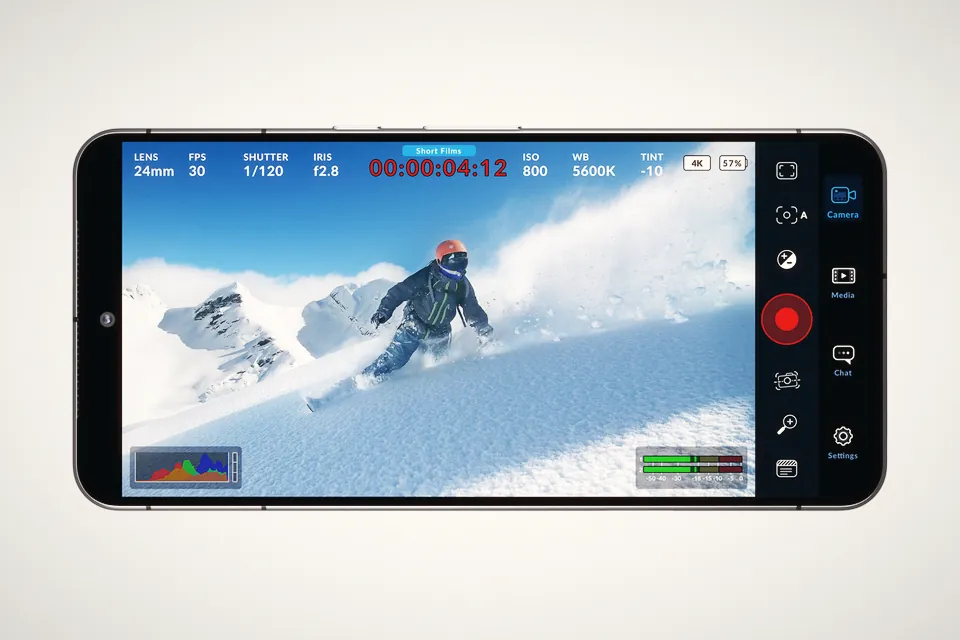
Blackmagic's spec sheet still stops at the Pixel 9 and Galaxy S25. The release notes tell another story: Samsung Log, O-Log2 and APV on a short list of phones.
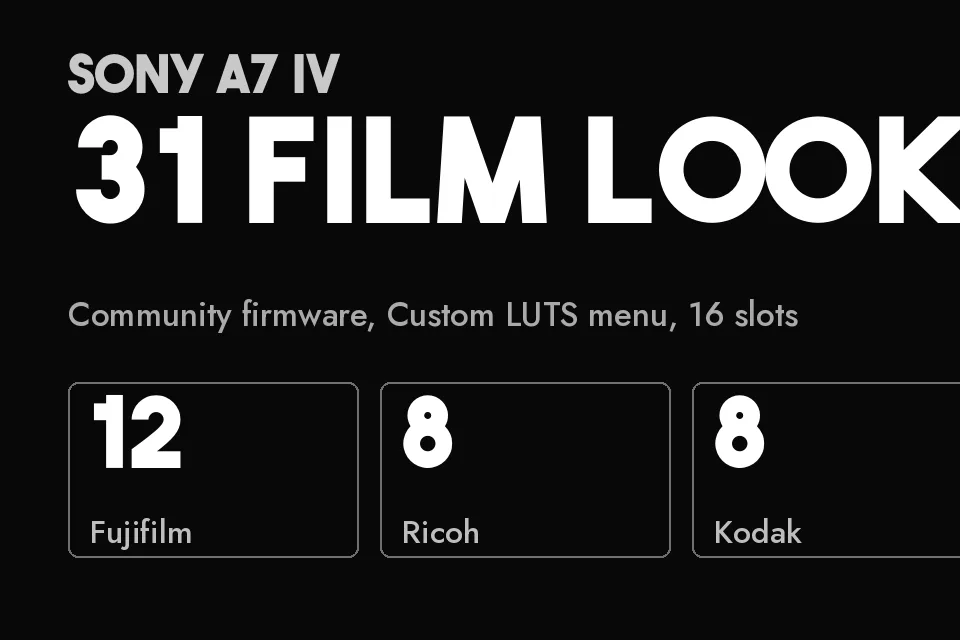
A community firmware adds Custom LUTS to the Sony A7 IV with a library of 31 film looks. What it adds, what's unproven for video, and what installing it risks.
 Cameras & dronesNew bodies, drones, firmware updates and what they change on set.
 AccessoriesLenses, gimbals, monitors, audio, lights and the gear around the camera.
 LeaksRumours and leaked specs before launch, with what is confirmed and what is not.
 SoftwareEditing, grading and VFX tools, and the updates worth installing.
 OtherIndustry news, techniques and everything that does not fit a box.