
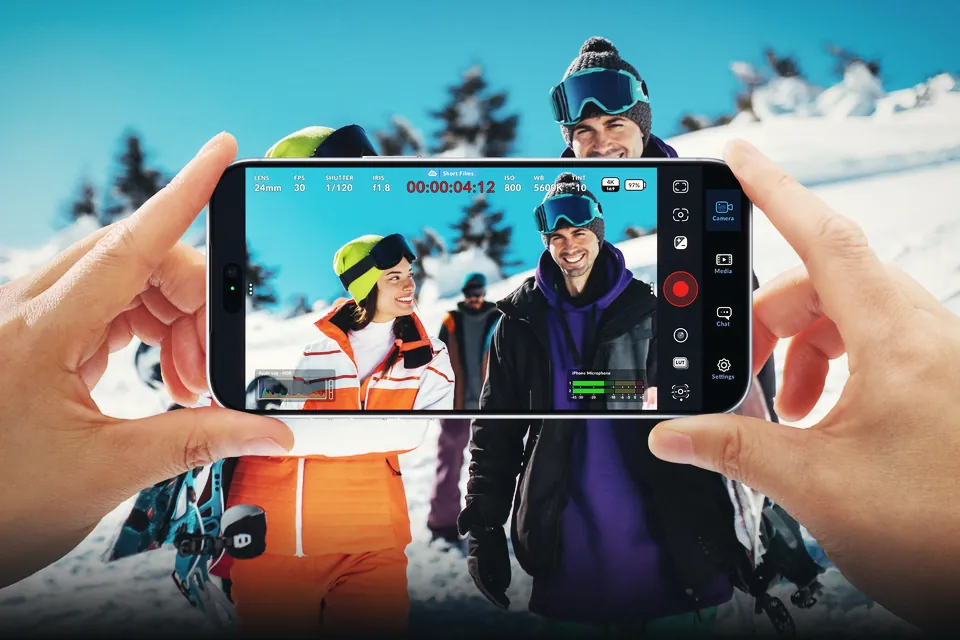
Blackmagic Camera on iPhone in 2026: which iPhones get Apple Log, Apple Log 2 and ProRes RAW
Blackmagic Camera is free on iPhone, but Apple Log, ProRes and ProRes RAW depend on the model. See which iPhones get what, from Apple's own spec pages.
Lightroom's Adobe MAX 2026 update adds Glow, desktop Blemish Removal, better tethering and Open Eyes. What's new, what's AI, and what Adobe hasn't said about cost.
Lightroom's Adobe MAX 2026 update adds Glow, a Blemish Removal tool on desktop, better camera tethering on desktop and iPad, and a public beta of Open Eyes. Adobe's own post gives Lightroom one short section and no version numbers, credit costs or beta labels for most of it, so most of the detail below comes from DPReview. And a few of the new tools aren't AI at all.
We read Adobe's posts and DPReview's coverage and sorted every Lightroom item by what it does, whether it's AI and how far we could confirm its status. If you read our piece on Adobe MAX for video pros, this is the stills side of the same event.
| Feature | What it does | AI-based? | Status and where |
|---|---|---|---|
| Glow | Soft, cinematic light: Diffusion to Halation. Five styles | Not stated | Not stated. Debuted in Camera Raw in August |
| Blemish Removal | Smooths blemishes but keeps skin texture. Intensity slider, mask and per-person control | Yes, per DPReview | New on Lightroom desktop. Was on mobile |
| Camera Tethering | "Live review, organization and collaboration" while shooting tethered | No, by its nature | Desktop and iPad. Camera list unknown |
| Open Eyes | Replaces closed eyes using a reference photo of the person from your library | Yes, it generates the result | Public beta at MAX. Adobe's October mobile post calls it free |
| Interface customization | Change the colour, contrast, size and style of interface elements. Default, power-user and Classic layouts, plus a Favorites panel | No, by its nature | Desktop, per DPReview |
| Generative Expand | Fills in space around an image to change its size or framing | Yes | Mobile, per Adobe's October post |
One thing to know about status. Adobe says Open Eyes is in public beta, but its own October mobile post describes it as a one-tap Quick Action "for free". We couldn't tell which applies to your app, so check in Lightroom before you promise it to a client.
Adobe describes Glow as adding "soft, cinematic light to your photos, from a subtle hazy Diffusion to a retro-film style Halation". DPReview says it follows Glow's debut in Camera Raw, where it offers diffusion, bloom and halation. In Lightroom there will be five style options, though Adobe hadn't named all five when DPReview published.
Filmmakers will recognize the idea. Halation is the red-orange glow that film gives off around bright lights, and plenty of people add it in post. We don't know yet how controllable Lightroom's version is, or whether it works on a batch of photos, and Adobe doesn't say. Camera Raw 19 also adds "motion" and "streak" effects to Glow, per DPReview, and we found nothing that says Lightroom will get them.
It's the most developed new tool in the coverage. DPReview says it keeps skin texture, has an intensity slider that hides the most visible blemishes first, and lets you paint a mask for manual fixes. You can also choose whether to keep or remove permanent marks such as birthmarks and scars, and adjust each person in a photo separately.
DPReview's reviewer was told the mobile version wasn't good enough for professionals, which is why desktop got it later. For anyone retouching portraits or interview stills, that's the point: it gets controls built for volume, not a one-tap filter.
Adobe says tethering is "now improved and expanded across Lightroom on Desktop and iPad, giving you an end-to-end workflow directly in Lightroom". DPReview says Adobe stressed live review, organization and collaboration but gave few details, and the reviewer is "looking forward to finding out more".
We couldn't read Adobe's tethering support page, so we can't tell you which cameras work. If you shoot product, behind-the-scenes stills or any set where a client watches a monitor, check your camera on Adobe's list before you rely on it.
DPReview's report lists more changes, taken from Adobe's release notes. We couldn't check them against Adobe's notes, which returned an access error, so treat them as reported, not confirmed.
| Where | Change |
|---|---|
| Lightroom desktop | Assisted Culling with "more accurate photo evaluation" |
| Lightroom desktop | Multiple versions of a photo, local or in the cloud |
| Lightroom desktop | More white balance range |
| Lightroom desktop | A vectorscope view |
| Lightroom desktop | Projection adjustment for wide-angle distortion |
| Lightroom desktop | Depth Range Masking now generates a depth map for photos without one |
| Lightroom Classic | Import filters by colour label, file type and locked status |
| Lightroom Classic | Autofocus point overlay from Camera Raw, "for selected cameras" |
These are the items a working photographer or colourist will actually notice. The vectorscope is the one filmmakers may care about most, since you can check skin tones and colour balance on a scope instead of by eye. Whether any of them use machine learning isn't clear from what we read, and we won't guess.
We don't know. Neither Adobe's post nor DPReview's coverage gives credit costs for the Lightroom features. For Photoshop, DPReview reports 30 generative credits for Relight, 80 for Generative Restyle and 10 for the Remove tool's related-elements option, and says the Photography 1TB plan includes 1,000 credits a month. Open Eyes is described as free in Adobe's October post.
DPReview's hands-on also found limits that matter for pros. Generative Restyle changed a wedding portrait's facial features when asked to change the background, and Relight is generated at 2K and upscaled, with a warning that fine colour detail may be lost. Both are Photoshop tools, not Lightroom, but they show what the generative side of this release looks like in practice.
| If you... | Look at | Why |
|---|---|---|
| Retouch portraits or event photos in volume | Blemish Removal on desktop | It's the tool with the most professional controls |
| Shoot on a set with a client at the monitor | Camera Tethering | It's improved, but check your camera first |
| Like a film look on stills | Glow | Halation is one of its styles, though we haven't seen the controls |
| Check colour on a scope | The new vectorscope | It's reported by DPReview, not yet confirmed by us |
| Deliver to clients with strict rules on generated images | Open Eyes and Generative Expand | Both generate pixels, and status and costs aren't clear |
Glow, Blemish Removal on desktop, improved Camera Tethering on desktop and iPad, Open Eyes in public beta and a customizable interface. DPReview also reports a vectorscope, Assisted Culling changes and multiple versions of a photo.
Neither Adobe nor DPReview says so in what we read. Adobe describes it as adding soft cinematic light, from Diffusion to Halation.
Yes, according to DPReview. It also has an intensity slider, a mask for manual fixes and a per-person adjustment.
We couldn't find credit costs for any Lightroom feature. Open Eyes is described as free in Adobe's October post. For Photoshop, DPReview reports 30 credits for Relight and 80 for Generative Restyle.
We don't know. Adobe's tethering support page wouldn't load for us, and the announcement gave no camera list.
Blackmagic Camera is free on iPhone, but Apple Log, ProRes and ProRes RAW depend on the model. See which iPhones get what, from Apple's own spec pages.
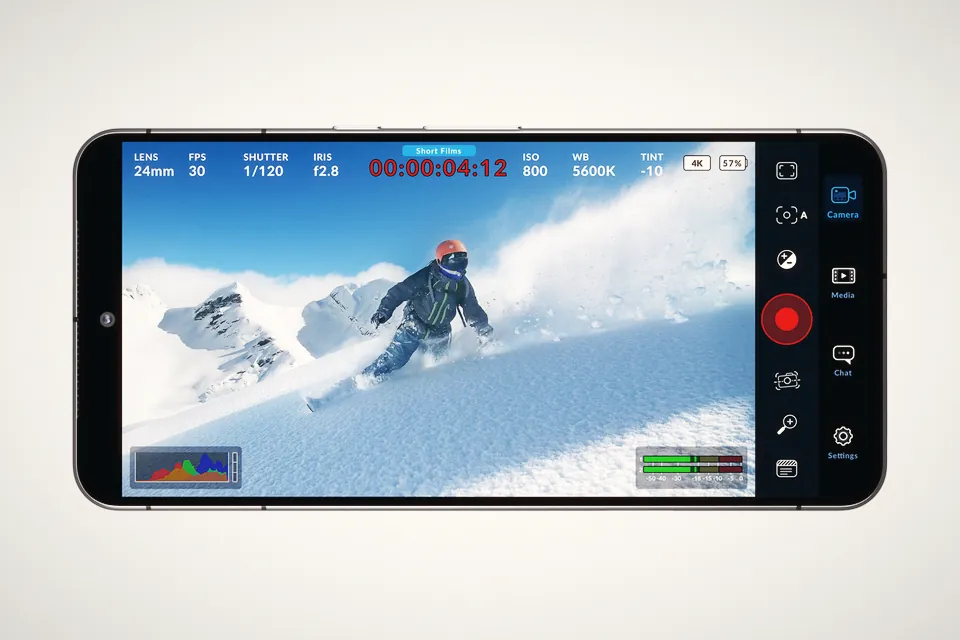
Blackmagic's spec sheet still stops at the Pixel 9 and Galaxy S25. The release notes tell another story: Samsung Log, O-Log2 and APV on a short list of phones.
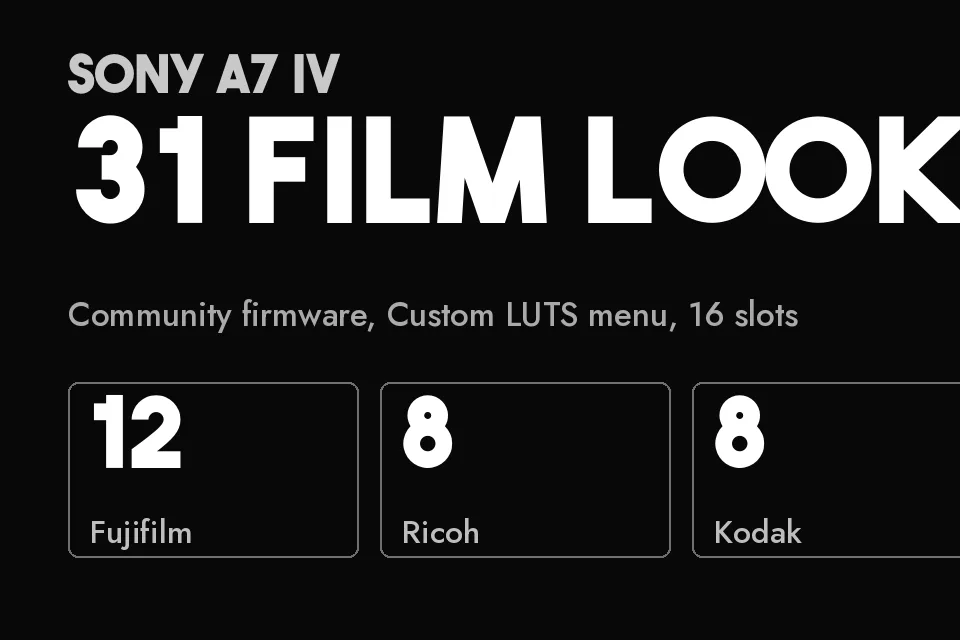
A community firmware adds Custom LUTS to the Sony A7 IV with a library of 31 film looks. What it adds, what's unproven for video, and what installing it risks.
 Cameras & dronesNew bodies, drones, firmware updates and what they change on set.
 AccessoriesLenses, gimbals, monitors, audio, lights and the gear around the camera.
 LeaksRumours and leaked specs before launch, with what is confirmed and what is not.
 SoftwareEditing, grading and VFX tools, and the updates worth installing.
 OtherIndustry news, techniques and everything that does not fit a box.