
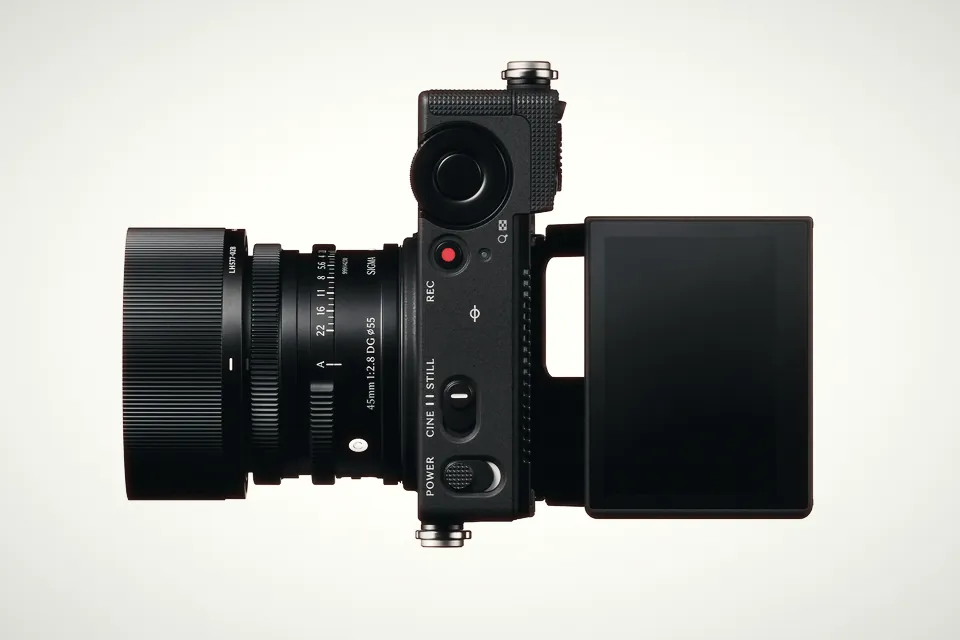
Sigma FP2: price, specs and everything that changed from the original fp
Sigma's FP2 adds phase-detect AF, 6K open gate, ProRes RAW and a tilting screen to a pocket full-frame body. Specs, price and what it means for video.
Why 1/50 at 24 fps looks like cinema, how to keep it in bright daylight, and the moments when a different shutter angle tells the story better.
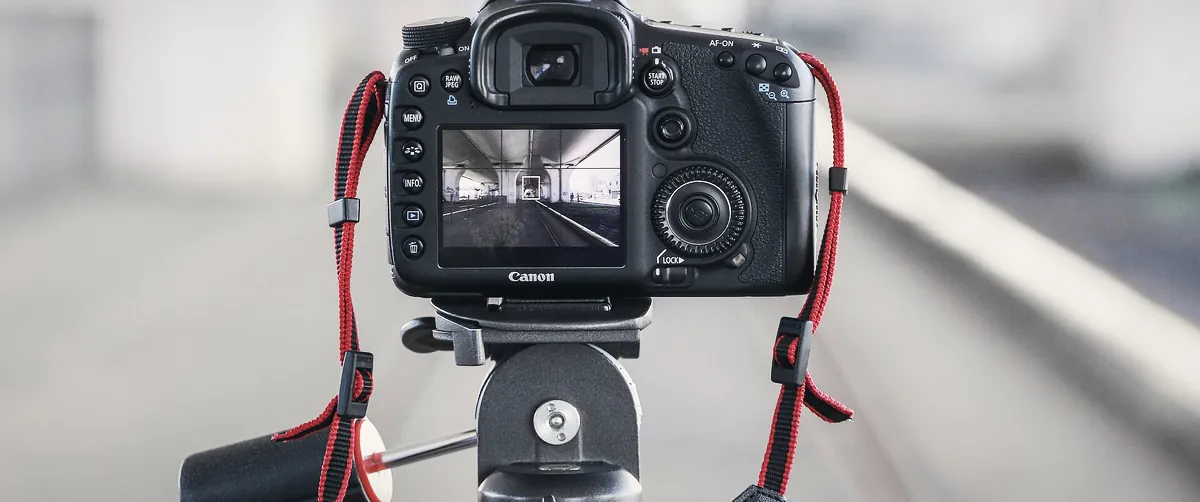
Ask cinematographers for one rule they rarely break and many will name the same one: set your shutter to half your frame interval. It is a big part of why footage from a phone in auto mode looks like video, while the same scene on a cinema camera looks like a film.
This guide covers where the rule comes from, the exact settings for every common frame rate, how to keep it when the sun is out, and the specific situations where breaking it is the better choice.
Film cameras expose each frame through a spinning disc called a rotary shutter. Part of the disc is open and lets light hit the film; the rest is solid and blocks it while the next frame is pulled into place. The size of the opening is measured in degrees. A disc that is half open has a 180-degree shutter, so each frame is exposed for half the time the camera spends on it.
Digital cameras don’t have the disc, but the maths carried over. At 180 degrees, your shutter speed is one over twice the frame rate:
shutter speed = 1 ÷ (frame rate × 2)
So at 24 frames per second you expose each frame for 1/48 of a second. Many cinema cameras let you dial in the angle directly; most hybrid and mirrorless cameras ask for a shutter speed instead.
A century of cinema trained audiences on 24 frames per second with a shutter around 180 degrees. That combination leaves a specific amount of motion blur on anything that moves: enough to make movement feel smooth when the frames play back, not so much that detail turns to smear.
Go much faster, and each frame becomes a sharp snapshot. Played in sequence, motion starts to stutter, the effect you see in phone footage shot in daylight, where auto exposure pushes the shutter to 1/1000 or faster. Go much slower, and movement smears across the frame. Neither is wrong, but both read as a choice. 180 degrees reads as invisible, and that is usually what you want.
Use the exact value if your camera has it. If it doesn’t, the nearest standard speed is fine: the difference between 1/48 and 1/50 is a few percent of exposure and impossible to see in motion.
| Frame rate | Exact 180° | Common setting |
|---|---|---|
| 23.98 / 24 fps | 1/48 | 1/48 or 1/50 |
| 25 fps | 1/50 | 1/50 |
| 29.97 / 30 fps | 1/60 | 1/60 |
| 50 fps | 1/100 | 1/100 |
| 59.94 / 60 fps | 1/120 | 1/120 or 1/125 |
| 100 fps | 1/200 | 1/200 |
| 119.88 / 120 fps | 1/240 | 1/240 or 1/250 |
For slow motion, the rule follows the capture frame rate, not the playback one. Shooting 120 fps to play back at 24? Set 1/240, and the motion blur will look natural once the footage is slowed down.
Here is the catch. With the shutter fixed, you have only aperture and ISO left to control exposure, and on a sunny day that is rarely enough.
A quick sanity check uses the Sunny 16 rule: in direct sun, f/16 at a shutter speed of 1/ISO gives a correct exposure. At ISO 800 that is f/16 at 1/800. Now open up to f/2.8 for shallow depth of field (five stops brighter) and slow down to 1/50 (four stops brighter). You are nine stops over.
Neutral density filters fix this by cutting light without changing colour. They are labelled either by optical density or by a filter factor:
| Density | Factor | Light cut |
|---|---|---|
| ND 0.3 | ND2 | 1 stop |
| ND 0.6 | ND4 | 2 stops |
| ND 0.9 | ND8 | 3 stops |
| ND 1.2 | ND16 | 4 stops |
| ND 1.8 | ND64 | 6 stops |
| ND 3.0 | ND1000 | 10 stops |
Every 0.3 of density is one stop. In the example above you could combine a 6-stop ND with closing the aperture to f/8 (three more stops), or use a strong variable ND. Variable NDs are fast to work with but can show colour shifts and an X-shaped pattern at their strongest settings, so test yours before a paid job. Cameras with built-in ND make all of this much quicker.
Many lights pulse with the mains electricity: 100 times a second where the grid runs at 50 Hz (most of Europe, Africa, Asia and Australia) and 120 times a second at 60 Hz (North America and parts of South America and Asia). If your shutter doesn’t line up with those pulses, you get bands or a brightness flutter in the image.
The rule exists so that motion looks invisible. When you want the audience to feel the motion, change the angle on purpose.
Less blur per frame makes action look crisp, jittery and urgent. Sand, water and debris freeze in mid-air. The opening of Saving Private Ryan famously used narrow shutter angles to give the beach landing its shocking, staccato feel, and countless fight and battle scenes have borrowed the look since. It also helps when you plan to pull sharp still frames from footage.
More blur makes movement soft and smeared, which can feel dreamlike, drunk or disoriented. It also gives you more light: going from 180° to 360° at 24 fps (1/48 to 1/24) is a full stop brighter, which can save a night scene. 360° is the limit, because the exposure can’t be longer than the frame itself.
Static interviews, product shots on a slider and slow landscapes contain very little fast motion, so a slightly off shutter is hard to spot. Keep the rule anyway: it is one less variable to think about in the edit.
1/48 of a second gives an exact 180-degree shutter. If your camera doesn’t offer 1/48, use 1/50. The difference is invisible, and 1/50 also avoids flicker under 50 Hz lighting.
Outdoors in daylight with a wide aperture, almost always. At ISO 800 on a sunny day, f/2.8 at 1/50 lets in about nine stops too much light, so you need ND, a smaller aperture, a lower ISO, or a mix of the three.
Double the capture frame rate. At 60 fps use 1/120 (or 1/125), at 120 fps use 1/240 (or 1/250). The blur then matches a 180-degree shutter once the footage is slowed down.
Yes, when it serves the story. A narrow shutter (45 to 90 degrees) gives crisp, staccato motion for action and tension. A wide shutter (270 to 360 degrees) adds smear and dreaminess and gains light in dark scenes.
Sigma's FP2 adds phase-detect AF, 6K open gate, ProRes RAW and a tilting screen to a pocket full-frame body. Specs, price and what it means for video.
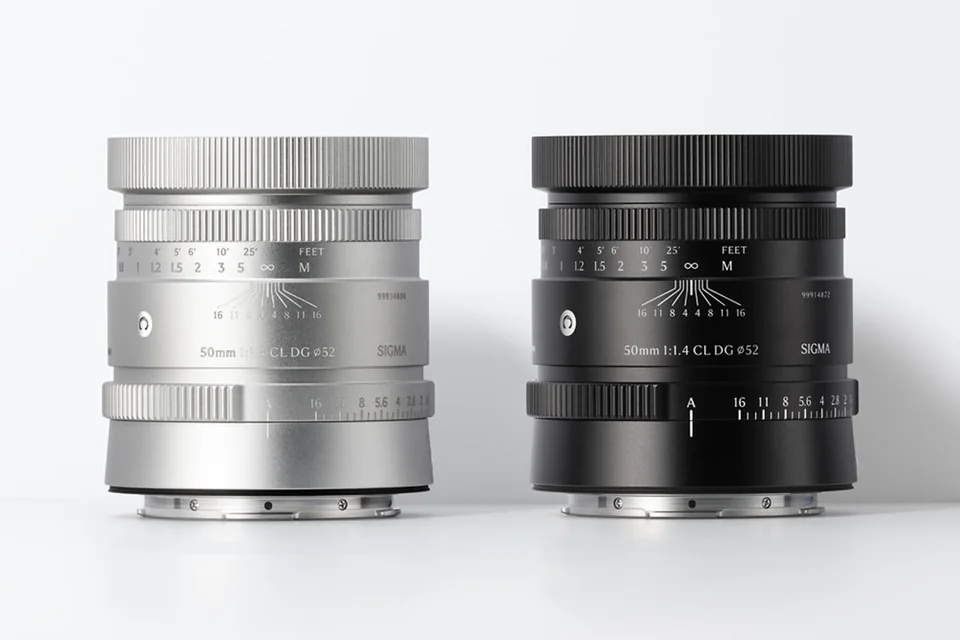
Sigma's first CL lens packs f/1.4 into 56 mm and 375 g. A to-scale size comparison with other 50s, the new RDD autofocus explained, and what it means for video.
 CamerasNew bodies, firmware updates and what they change on set.
 LensesPrimes, zooms and anamorphics, with the look they give.
 SoftwareEditing, grading and VFX tools, and the updates worth installing.
 AccessoriesGimbals, monitors, audio, lights and the small things that save a shoot.
 TipsTechniques and tutorials, from exposure to storytelling.